

GPU Servers
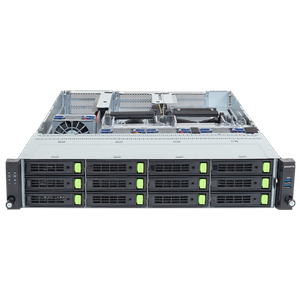
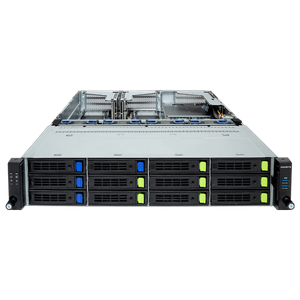
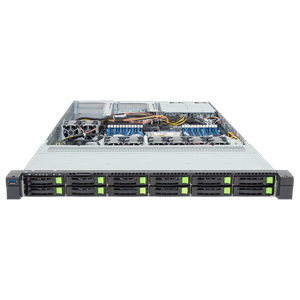
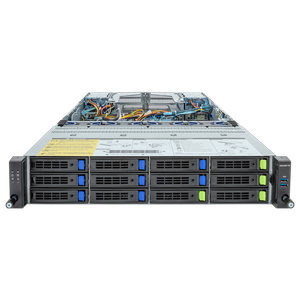
Buy GPU Servers – Multi-GPU for HPC, Rendering, and Simulation
8.999
455.999


GPU server
1 - 13 of 13 Products
0% Financing
FULL BENEFITS.
NO INTEREST.
Get your 0% financing
with a term of up to 24 months.
(German customers only)

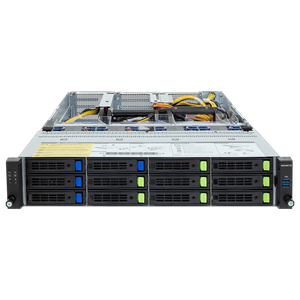
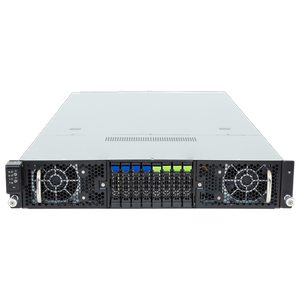
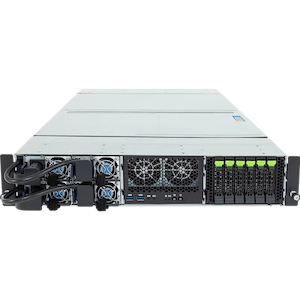
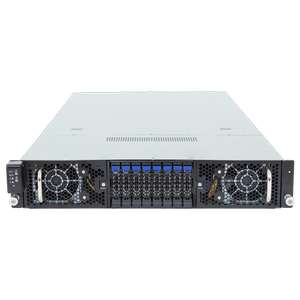
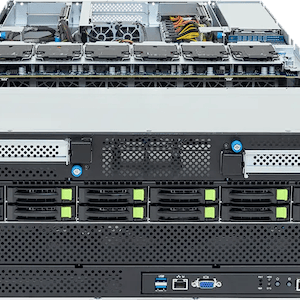
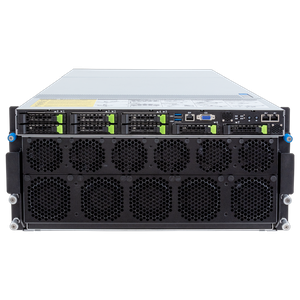
Professional GPU server for HPC, rendering, and complex simulations
Are you looking for the absolute maximum computing power for scientific computing, complex simulations, and professional rendering in your company? Then our dedicated GPU server is exactly what you need. We’ve tested all enterprise components down to the smallest detail under extreme sustained loads and conducted our own benchmarks to ensure we offer you the absolute best systems for demanding high-performance computing.
The exact requirements for high-performance hardware
For the best performance in this specialized segment, we recommend installing professional NVIDIA graphics cards. These currently offer by far the highest performance for extremely complex and time-consuming calculations, whether for detailed scientific analyses, fluid dynamics, or traditional rendering. Our systems from renowned manufacturers such as Gigabyte and Supermicro deliver excellent results in these demanding applications. With up to eight configurable data center GPUs in robust enclosures with two, four, or five height units, you’ll be perfectly equipped to handle massive computing demands.
The Clear Difference Between GPU Servers and AI Servers
Unlike our highly specialized AI server, which focuses exclusively on neural networks and the training of massive language models, our GPU server is unquestionably geared toward traditional HPC workloads. These primarily include scientific computing, photorealistic simulations, and visual content creation. If, on the other hand, you’re planning a dedicated machine learning project, you’ll find a far more suitable architecture in the corresponding category.
The optimal graphics card for extremely computationally intensive projects
The latest, extremely powerful models from NVIDIA’s Hopper and Blackwell generations form the solid foundation of these systems. Massive video memory, enormous memory bandwidth, and a maximum number of floating-point operations are essential for this. In the Server Configurator, you’ll find the most advanced accelerators, such as the NVIDIA L40S, H100, or H200, which were developed specifically for these massive computing tasks in the data center.
Thanks to 141 gigabytes of HBM3e memory and a massive bandwidth of nearly five terabytes per second, the NVIDIA H200 architecture is currently the most powerful option for extremely memory-intensive computations. This significantly accelerates your extensive simulations and massive scientific models. The outstanding memory bandwidth reliably ensures that large datasets are processed extremely efficiently and that dangerous bottlenecks in complex calculations are effectively eliminated.
Key Companion Components for Maximum System Stability
High-performance Intel Xeon Scalable processors and AMD EPYC processors are particularly well-suited for this architecture, as they natively support enterprise features such as error-correcting ECC memory. When selecting a CPU, we recommend a high base clock speed, since the actual workload is handled in parallel by the graphics cards. A compact rendering workstation with four GPUs typically performs exceptionally well with just 128 gigabytes of RAM, while a massive solution with eight accelerators requires at least 256 gigabytes or significantly more. For maximum system stability, we recommend using only ECC RAM, which automatically detects and proactively corrects bit-level errors. A redundant power supply and hot-swappable drives are absolutely essential for ease of maintenance.
Hardware Recommendations by Application Area
| Application Area | Software | Graphics Card |
| Professional Rendering | Blender, Octane, Redshift, V-Ray | NVIDIA RTX PRO 6000 or higher |
| Scientific Simulation | ANSYS, OpenFOAM, GROMACS | Two to four NVIDIA H200s |
| Enterprise HPC cluster | Quantum simulation and weather modeling | Up to eight NVIDIA H200 |
Reliably configure your custom GPU server
You can find a comprehensive overview of all platforms in our main category, “Servers by Application.” If you’re still weighing your options to determine which hardware is right for your project, our detailed server buying guide will be happy to assist you. Every computer is built with true artisanal precision at our main location in Munich and thoroughly tested before shipment. Business customers benefit from dedicated account managers, purchase on account, and flexible leasing models. Have you lost track of the vast selection? Our expert B2B team is always happy to advise you by phone or email. In the Server Configurator, you can configure your system according to your individual needs.