

2.899
8.949
Buy 3D Workstations – For Blender, Maya, and 3ds Max
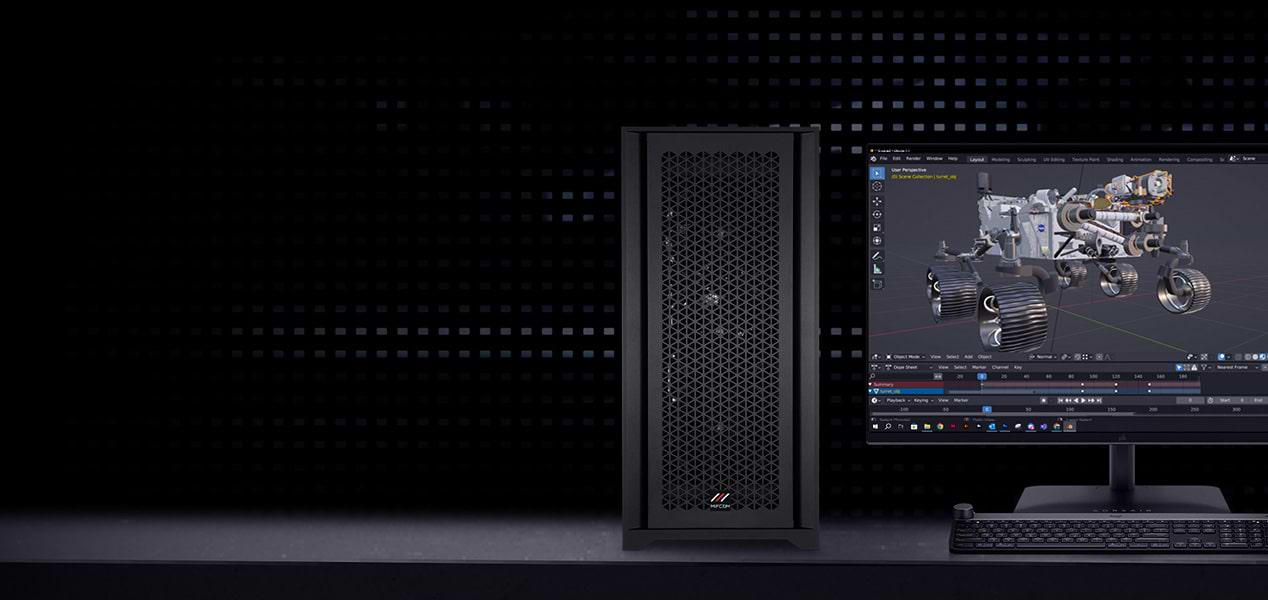
HIGH-END POWER
FOR 3D ARTISTS
Powerful workstations for smooth modeling
and rendering of complex 3D projects.
HIGH-END POWER
FOR 3D ARTISTS
Powerful workstations for smooth modeling and rendering of complex 3D projects.

Accurate color & fast
Optimized & customizable
Smooth operation
Accurate color & fast
Optimized & customizable
Smooth operation
3D Workstations
1 - 8 of 8 Products
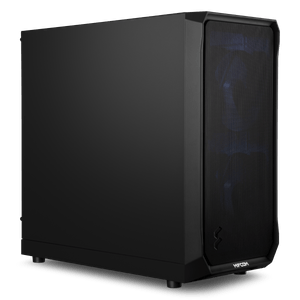
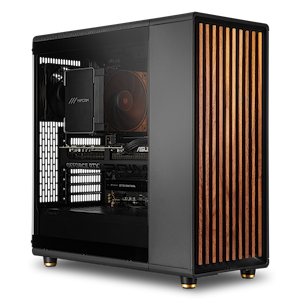
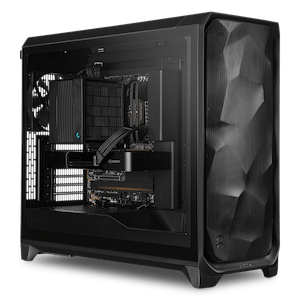
3D Workstations: Smooth Viewport Performance for Modeling and Animation
In 3ds Max, Maya, Cinema 4D, and Blender, viewport performance determines your workflow speed: How smoothly you can rotate, zoom, and animate complex scenes determines how quickly you can iterate. Our 3D workstations deliver the right balance of a powerful graphics card for interactive viewing and sufficient CPU power and RAM for high-polygon-count scenes—preconfigured and customizable by component.
The Right Processor: High Clock Speed for Modeling and Animation
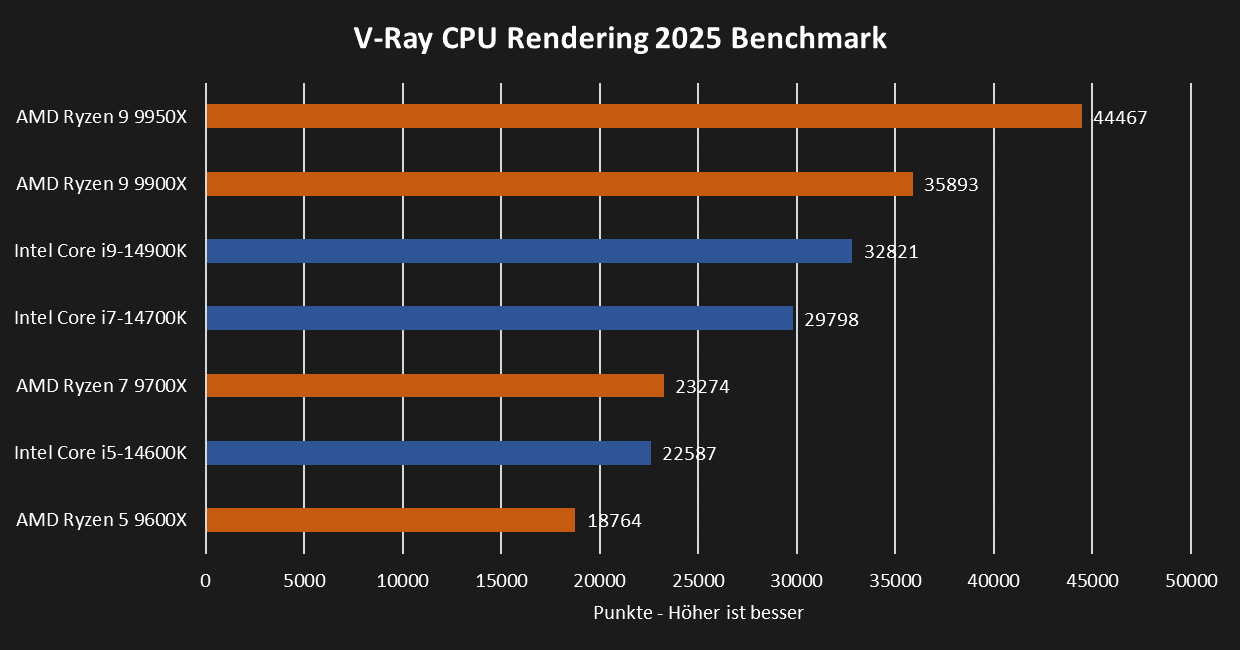
When modeling and animating, 3D applications typically use only one CPU core, so the highest possible clock speed is crucial. The Intel Core Ultra 9 285K currently delivers the best performance for animation and modeling. If the workstation is also to handle CPU rendering with engines such as Arnold, V-Ray, or Cycles, the number of cores is also important: Here, the AMD Ryzen Threadripper 9970X or the Threadripper PRO 9975WX, with eight memory channels, offer the necessary reserves.
 |
The Right Graphics Card: Chosen Based on Scene Size
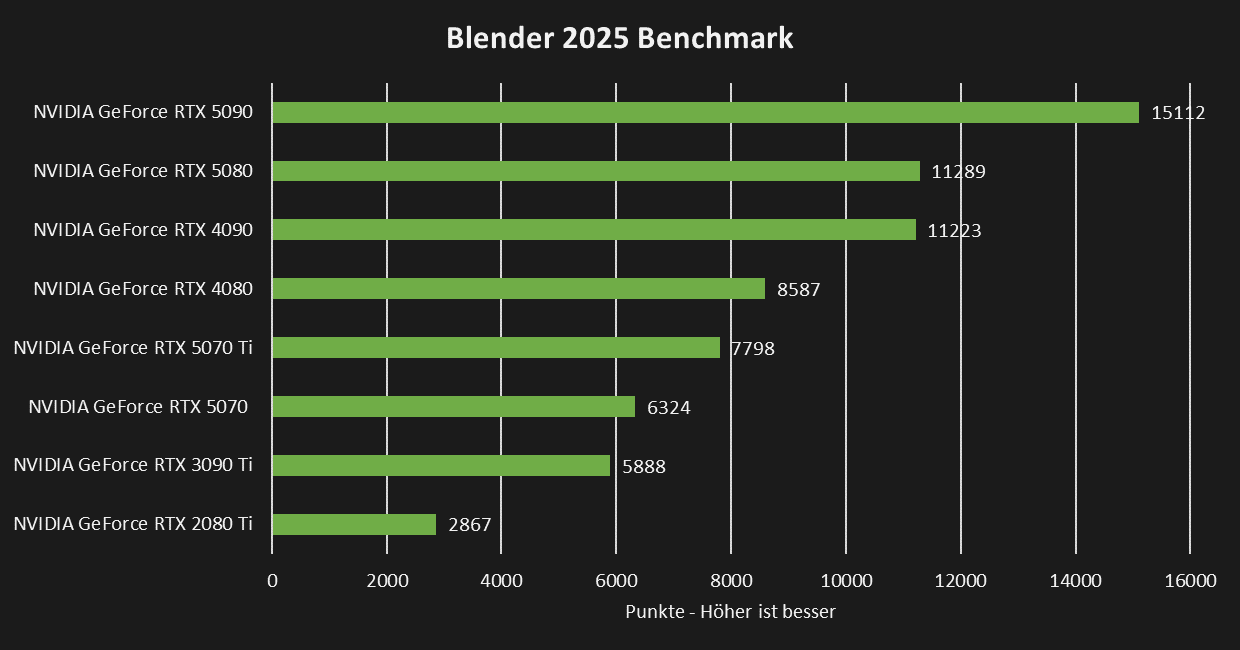
When editing and animating 3D models, the graphics card is primarily responsible for performance. For most 3D applications, we recommend NVIDIA workstation graphics cards, as they are certified and officially supported by software manufacturers: The NVIDIA RTX PRO 2000 is a solid entry-level option for animation and design; for larger scenes, we recommend at least an RTX PRO 4000, and for very large, complex scenes, go with the RTX PRO 6000. If certification isn’t a concern for your applications, the latest NVIDIA GeForce RTX graphics cards are a great alternative: comparable performance at a significantly better price point.
 |
RAM and Storage
RAM requirements depend on the complexity of your scenes and models: 16 GB for entry-level use, 32 GB for demanding projects, and 64 GB or more when rendering highly complex scenes at the highest resolution. Every configuration includes a fast NVMe SSD for the system and applications, supplemented by a second SSD or a large HDD for scenes, assets, and project data.
Configured for Your Workflow
Each pre-configured setup is a starting point that you can adapt to your scene sizes and rendering pipeline. In the Workstation Configurator, you can customize your system to your specific needs. If you’re still deciding which CPU class and graphics card your workflow truly requires, our Workstation Buying Guide offers concrete recommendations tailored to each use case.
Do you work with ISV-certified CAD software like SolidWorks or Inventor? Our CAD workstations are specifically designed for that. Do you want to render the finished scene with maximum computing power? Our rendering workstations handle the next step. Is your application more focused on video editing? You can find an overview of all profiles under Workstations by Application.
Our recommendations for 3ds Max, Maya, Cinema 4D, and Blender
| Application | Processor | Graphics Card | RAM |
| Design and Animation 1080p | AMD Ryzen 5 9600X Intel Core Ultra 5 245K | NVIDIA RTX PRO 2000 NVIDIA RTX 5070 | 32GB |
| Design and Animation 4K | AMD Ryzen 7 9700X Intel Core Ultra 7 265K | NVIDIA RTX PRO 4000 NVIDIA RTX 5080 | 32GB |
| Optimized for Rendering | AMD Ryzen 9 9950X Intel Core Ultra 9 285K | NVIDIA RTX PRO 6000 NVIDIA RTX 5090 | 64GB |
Custom-built, tested under full load for continuous operation
Every MIFCOM workstation is custom-built according to your configuration, featuring clean cable management for optimal airflow and quiet operation in the workplace. Before shipment, every system undergoes a stress test lasting several hours under full load, simulating complex scenes, long workdays, and overnight render runs. We provide a 3-year warranty on all systems, including pick-up & return service, as well as lifetime support.
Studios, agencies, and public institutions also benefit from dedicated account managers, quotes for bids, purchase on account, or leasing options. Contact our B2B team directly—by phone, email, or live chat.