Workstations by Application

Starting November 2, our showroom's opening hours will change: Tuesday-Friday, 9:30 a.m.–5:30 p.m.
449
139.999


Customized
Performance
At MIFCOM, you’ll find highly efficient and
absolutely reliable workstations. Use our configurator
to tailor precisely to your business needs and infrastructure.
Customized Performance
At MIFCOM, you’ll find highly efficient and absolutely reliable workstations. Use our configurator to tailor precisely to your needs.

Maximum Efficiency
Lifetime Support
Fully Customizable
Maximum Efficiency
Lifetime Support
Fully Customizable
1 - 24 of 190 Products
At MIFCOM, you’ll find professional workstations for every application: from compact CAD machines to multi-GPU workstations for AI training, all configurable on the latest platforms from AMD, Intel, and NVIDIA. Each system is custom-built, tested under full load, and comes with a 3-year warranty. There are three ways to find the right system for you: Start with your application, choose your preferred platform, or configure your workstation completely from scratch. Unlike off-the-shelf systems, we tailor every component to your actual workload—from the CPU to the RAM to the graphics card—so you pay neither too little nor more than necessary for your software.
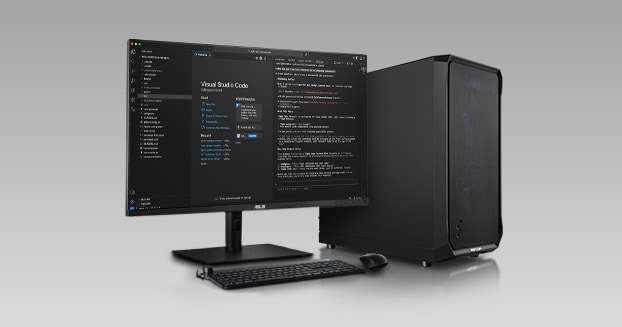
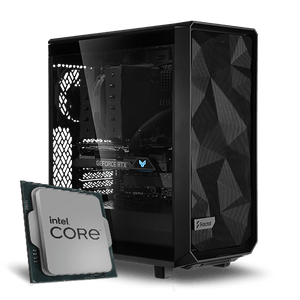
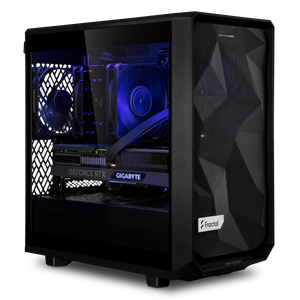
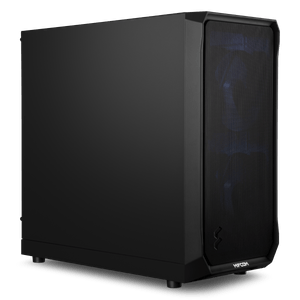
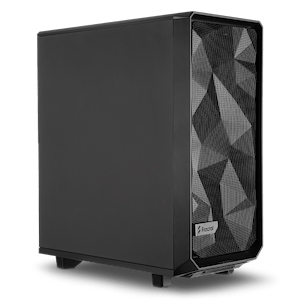
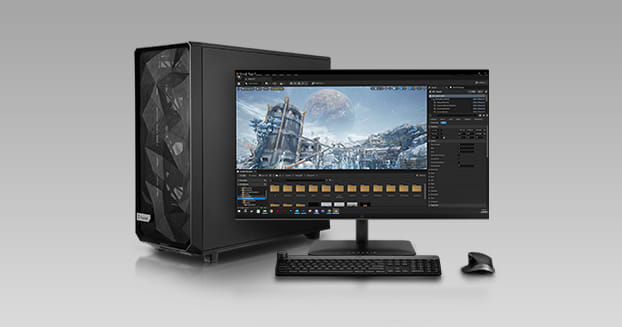
If you’re thinking in terms of your workflow, the workstations organized by application are your quickest way to get started. There you’ll find preconfigured systems for graphics and image editing, video editing, CAD, 3D and rendering, game development, and VR—each tailored to the typical requirements of the software you use every day. Each pre-configured system is a starting point that you can then freely customize to suit your project.
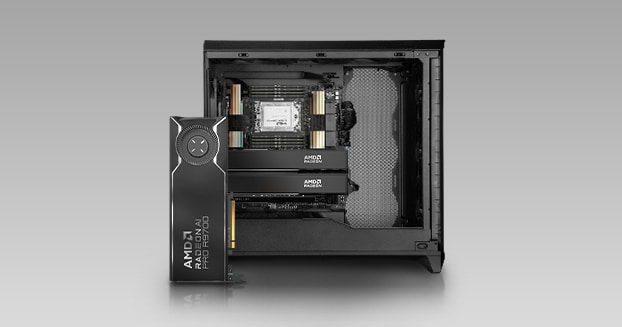
For machine learning and generative AI, our AI workstations combine four usage profiles: Local LLM workstations run language models locally and in compliance with data protection regulations; Image & Video AI workstations are designed for Stable Diffusion and video generation; AI Development Workstations provide the environment for PyTorch and TensorFlow, and AI Training Workstations deliver multi-GPU performance for training and fine-tuning. On the GPU side, the range extends from the GeForce RTX to the RTX PRO 6000 with 96 GB of graphics memory, with an AMD alternative available upon request: The AMD Radeon AI PRO workstations are designed for local AI workloads.
If you already know your technical requirements, you can select the platform directly. AMD workstations range from AMD Ryzen 9000 processors with the highest clock speeds to AMD Threadripper CPUs with maximum multicore performance, all the way up to the AMD Threadripper PRO with up to 96 cores. Intel workstations, featuring Intel Core Ultra, Intel Xeon-W, and Intel Xeon Scalable processors, cover the spectrum from efficient single-user workstations to dual-socket systems. And with NVIDIA workstations, you can choose between GeForce RTX for maximum performance per euro and the RTX Professional series with ISV certification for CAD and DCC applications such as AutoCAD, Inventor, 3ds Max, and Maya. As a rule of thumb: If your software primarily requires high clock speeds and single-core performance, Ryzen 9000 or Core Ultra are the right choice; if you benefit from multiple cores for rendering, simulation, or virtualization, Threadripper, Xeon-W, or Xeon Scalable are the way to go.
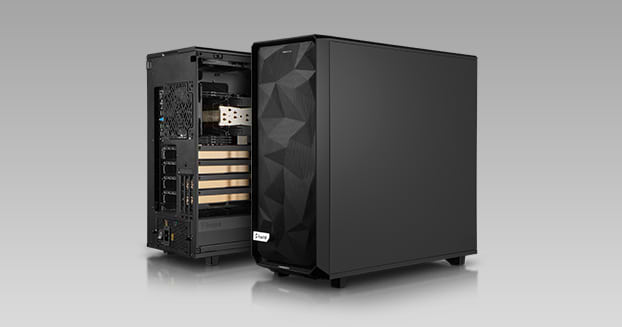
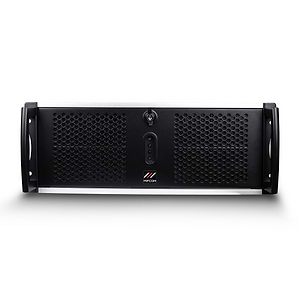
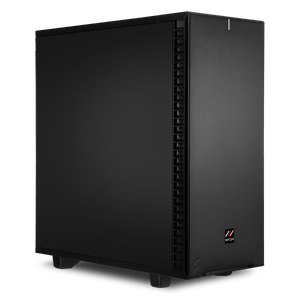
The chassis is also tailored to the intended use. Mini workstations deliver professional-grade performance in the smallest of spaces. 19-inch rack workstations bring workstation power into the server rack. And water-cooled workstations keep even processors with many cores and multi-GPU configurations running quietly under continuous load, allowing you to work undisturbed alongside the computing system.
Do you know exactly what you need? In the Workstation Configurator, you can build your system component by component yourself, with verified compatibility. ECC memory protects long calculations from data errors, while NVMe SSDs and RAID arrays ensure fast load and save times. Our Workstation Technical Highlights page provides an overview of the built-in platforms and GPUs.
If you’re still weighing which CPU class, how much RAM, or which GPU series your workflow really needs, our Workstation Buying Guide will walk you through the process step by step to find the right configuration, with specific recommendations for each use case and comparison tables for platforms and graphics cards.
Every MIFCOM workstation is custom-built and thoroughly tested before shipment. We offer a 3-year warranty on all systems with lifetime support. Business customers and public institutions also benefit from dedicated contact persons, bids for tenders, purchase on account, or leasing. Contact our B2B team directly—by phone, email, or live chat.
A workstation is designed for continuous operation and reliability in professional environments. This is ensured by ECC RAM, which automatically corrects data errors during long calculations; professional graphics cards with ISV certification for CAD and DCC software; and platforms with significantly more cores, memory channels, and PCIe lanes than consumer PCs offer. At MIFCOM, every workstation is additionally tested under full load before it is shipped.
That depends on whether your software benefits from clock speed, the number of cores, or GPU performance. CAD applications like AutoCAD or Inventor prefer high clock speeds and certified drivers; rendering and simulation scale well with many CPU cores; and AI workloads primarily require GPU performance with plenty of graphics memory. Our workstation buying guide will help you find the right configuration with specific recommendations for each use case.
As a general guideline: 32 to 64 GB for CAD and image editing, 64 to 128 GB for video editing and 3D projects, and 128 GB or more for simulation, large scenes, and AI training. For long calculations, the use of ECC RAM—which automatically corrects bit errors—is more important than the sheer amount of memory. Depending on the platform, you can configure RAM at MIFCOM up to the terabyte range.