
FHD
24 Zoll
IPS
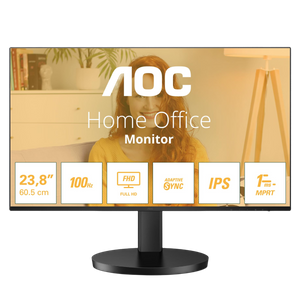
AOC - 24B3HA2
ID: 23636
84
,-
Delivery time:
1-3 business days

Discover our new Kick-Ass Systems
Monitors
84
1.849
1 - 24 of 27 Products
AOC - 24B3HA2
84
,-
Delivery time:
1-3 business days
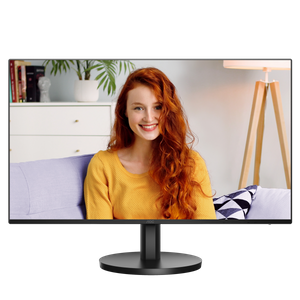
AOC - 27B3HA2
119
,-
9
,91
Delivery time:
1-3 business days
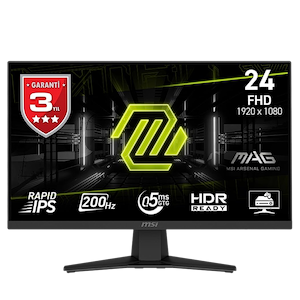
MSI - MAG 244F
129
,-
10
,75
Delivery time:
1-3 business days
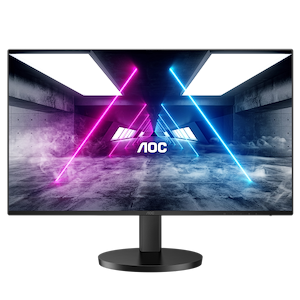
AOC- Q27B3CF2
169
,-
9
,38
Delivery time:
1-3 business days
AOC - U27B3A
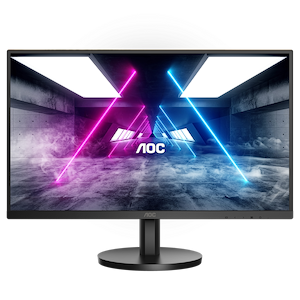
179
,-
9
,94
Delivery time:
1-3 business days
Gigabyte G27Q3 Gaming Monitor
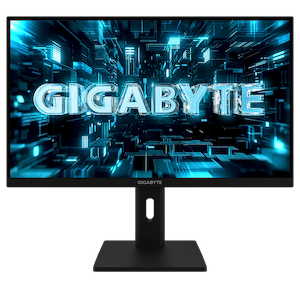
249
,-
209
,-
11
,61
Delivery time:
1-3 business days
ASUS - TUF VG27AQ5LA
229
,-
9
,54
Delivery time:
1-3 business days
Corsair - Xeneon Edge. black
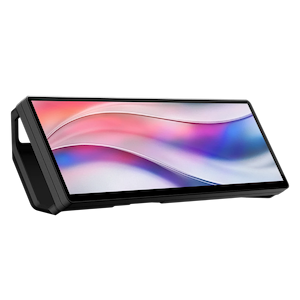
259
,-
229
,-
9
,54
Delivery time:
1-3 business days
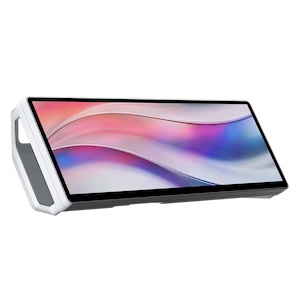
Corsair - Xeneon Edge. white
259
,-
229
,-
9
,54
Delivery time:
1-3 business days
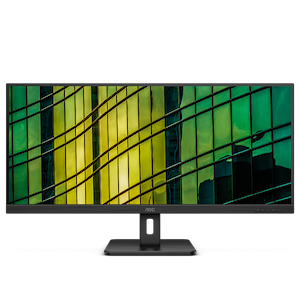
AOC - U34E2M/BK
239
,-
9
,95
Delivery time:
1-3 business days
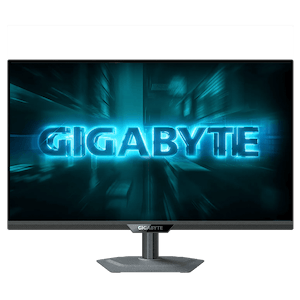
Gigabyte G27U Gaming Monitor
269
,-
254
,-
10
,58
Delivery time:
1-3 business days
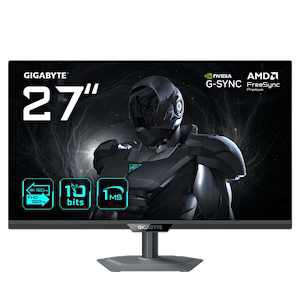
Gigabyte G27UP Gaming Monitor
299
,-
259
,-
10
,79
Delivery time:
1-3 business days
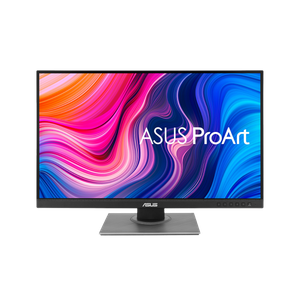
ASUS - ProArt PA278QV
269
,-
11
,20
Delivery time:
1-3 business days
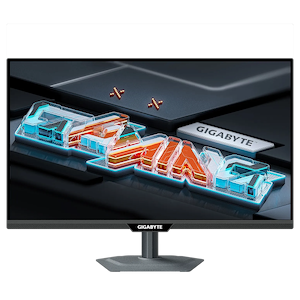
Gigabyte M27QS Gaming Monitor
289
,-
9
,63
Delivery time:
1-3 business days
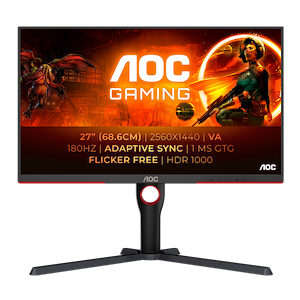
AOC - Q27G3XMN/BK
319
,-
10
,63
Delivery time:
1-3 business days
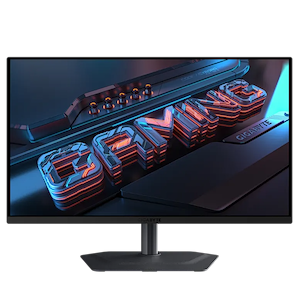
Gigabyte MO27Q2A Gaming Monitor
479
,-
399
,-
9
,10
Delivery time:
1-3 business days
MSI - MAG 274UPDFDE E16M
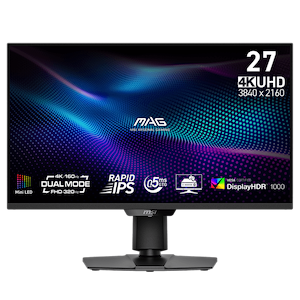
549
,-
10
,02
Delivery time:
1-3 business days
Gigabyte MO32U2 Gaming Monitor
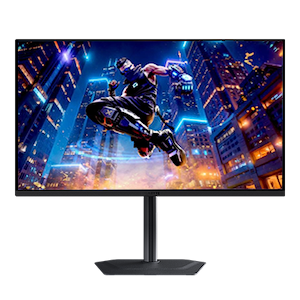
739
,-
13
,49
Delivery time:
1-3 business days
ASUS - ProArt PA27JCV
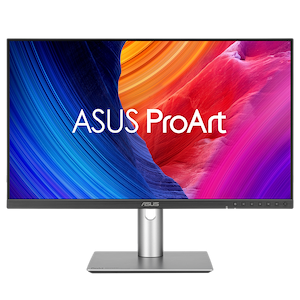
759
,-
13
,86
Delivery time:
1-3 business days
Sony Inzone - M9 II
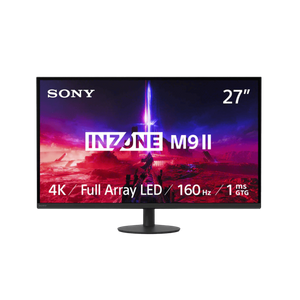
999
,-
899
,-
16
,41
Delivery time:
1-3 business days
MSI - MPG 271QRXDE QD-OLED
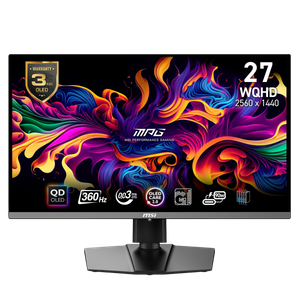
899
,-
16
,41
Delivery time:
1-3 business days
Sony Inzone - M10S
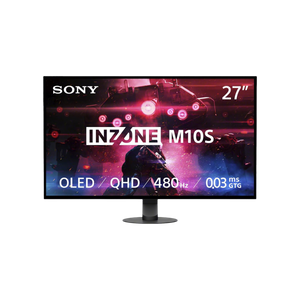
1.349
,-
1.099
,-
20
,07
Delivery time:
1-3 business days
ASUS - ROG Strix XG32UCWMG
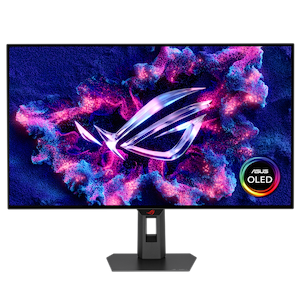
1.149
,-
20
,98
Delivery time:
1-3 business days
MSI - MAG 341CQPDE QD-OLED
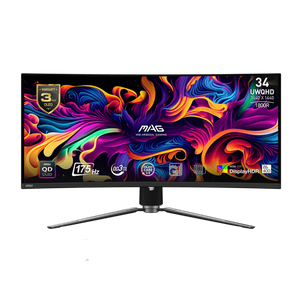
1.199
,-
21
,89
Delivery time:
1-3 business days
Whether for office work, gaming, or professional applications, everyone can find the right monitor here. Most of our monitors come equipped with popular features such as AMD FreeSync, Nvidia G-Sync, blue light filters, and LED backlighting.
Professional image editors will also find their ideal work tool here, with some models offering over 99% Adobe RGB color space coverage. If you decide to purchase one of our monitors, we highly recommend taking a look at our monitor connection cables to ensure you can display high resolutions and high refresh rates.
Speaking of refresh rates: The monitor’s hertz (Hz) rating is the number of frames the monitor displays per second. This means that, for example, a 60Hz monitor can only display a maximum of 60 FPS (frames per second), even if applications with FPS counters show a different value.
If you’re wondering what the best monitor for gaming is, we have the answer for you: it depends on your needs. Important and easy-to-determine specifications for the best gaming monitors are resolution and refresh rate (Hz). The resolution indicates how many pixels are displayed on the monitor. Full HD resolution refers to 1920x1080 pixels, i.e., 1920 pixels in width and 1080 pixels in height. However, this also means that a higher resolution does not necessarily result in a sharper image. A 24-inch monitor with Full HD provides a sharper, but naturally smaller, image than a 32-inch monitor with the same resolution.
The second important parameter is the refresh rate. This indicates how often the image content is redrawn. 60Hz, for example, means that the image is redrawn every 16.67 ms; the standard 144Hz means a new image is rendered every 6.94 ms. Ideally, the frames per second (FPS) that your PC can render should be similar to the refresh rate. If this isn’t the case, it can lead to issues like “tearing,” which is a brief distortion in the image display. Technologies like G-Sync or V-Sync aim to synchronize the FPS and Hz—an important feature for gamers.
Less well-known are other specifications, such as the type of panel used or color gamut coverage. Note: the following information shows general trends for different panel types. However, there are significant differences depending on the manufacturer and the specific panel used. A poor-quality IPS panel may be closer in image quality to a TN panel than to a high-quality IPS panel.
Among the fastest panels with the highest response times are so-called TN panels. Once the standard, these monitors are becoming increasingly rare, as their image quality is significantly inferior to that of other panel types. For shooter enthusiasts, however, these monitors may still be worth considering if the goal is maximum efficiency while gaming.
Another type of panel that is now also becoming increasingly rare is the VA panel, which can boast more frequently usable colors and often still offers good response times—all at a lower price than the IPS panels discussed below.
IPS panels are now the standard. These panels impress with generally good color reproduction and good contrast. In the past, these panels had drawbacks regarding response times. However, these have largely been addressed. Depending on the monitor model and specific panel, IPS panel monitors are suitable for all applications: multimedia, gaming, and video editing, among others.
Other panel technologies you should keep an eye on include Micro-LED, Mini-LED, OLED, and QLED. All of these technologies can noticeably improve your gaming experience by offering even better image quality than IPS.