

1.999
32.749

Buy Workstations by Application - From Graphics to CAD
WORKSTATIONS FOR
EVERY WORKFLOW
MIFCOM workstations are the perfect
choice for demanding projects.
WORKSTATIONS FOR
EVERY WORKFLOW
MIFCOM workstations are the perfect choice for demanding projects.

Lifetime support
30-day return policy
3-year warranty
Lifetime support
30-day return policy
3-year warranty
FIND YOUR NEXT WORKSTATION
Whether you’re looking for a video, graphics, rendering or CAD workstation: we offer
a huge selection of workstations to make your day-to-day work more efficient.
FIND YOUR
NEXT WORKSTATION
Whether you’re looking for a video, graphics,
rendering or CAD workstation: we offer
a huge selection of workstations
to make your day-to-day work
more efficient.
CHOOSE YOUR WORKSTATION!
CHOOSE YOUR WORKSTATION!
Workstations by application
1 - 24 of 41 Products

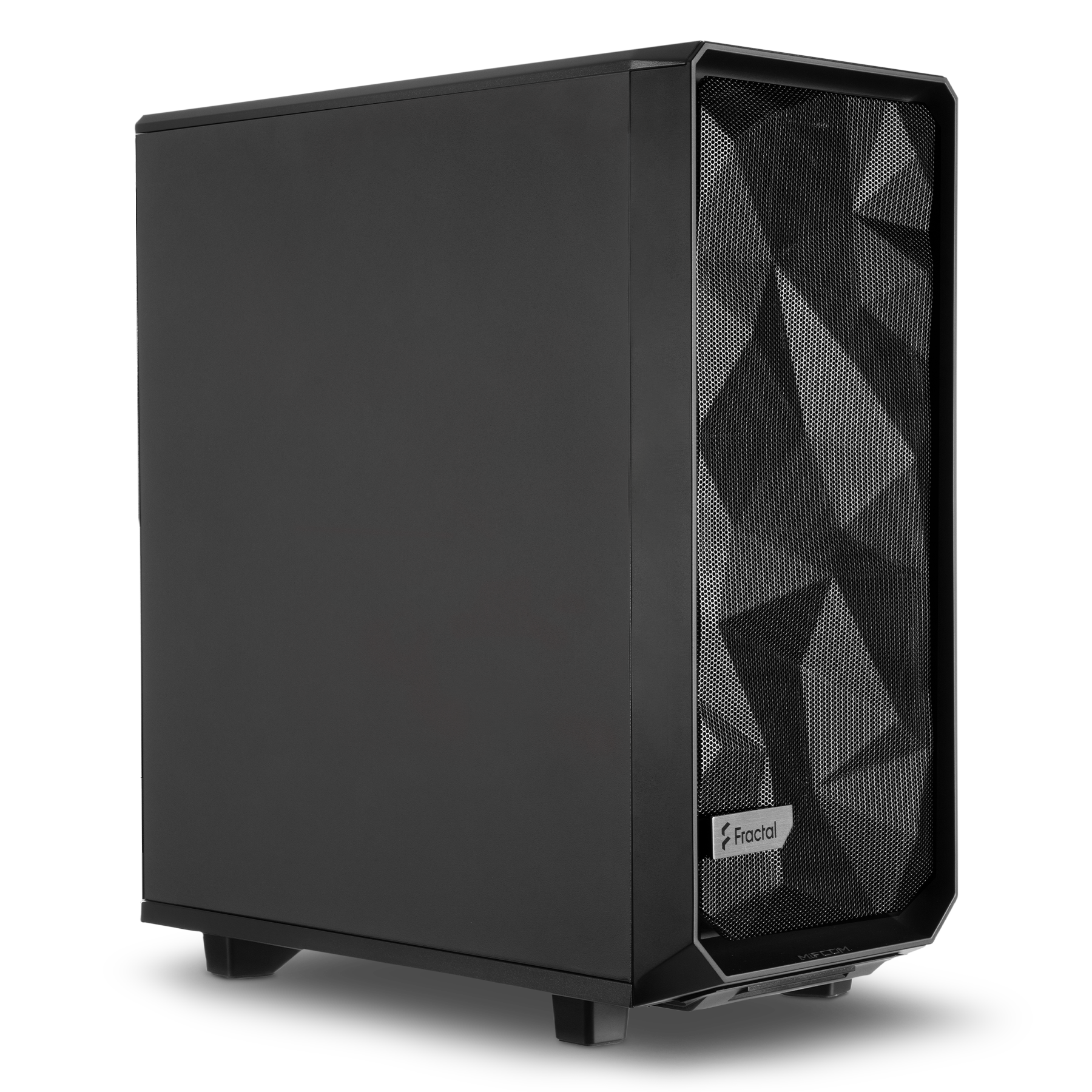


Workstations by Application: Preconfigured for Your Workflow
With application-based workstations, you don’t start with the hardware—you start with your software: Each category bundles preconfigured systems tailored to the typical requirements of a workflow, from image editing to VR development. Each preconfigured system serves as a starting point that you can then customize component by component to suit your project—all manufactured and tested in Germany.
Graphics Workstations: Precise Image Editing Without Delays
For Photoshop, Illustrator, and InDesign, what matters most are high clock speeds, plenty of RAM for large files with many layers, and fast storage. The graphics workstations are precisely tuned for this, ensuring that filters, gradients, and switching between documents respond without delay.
Video Workstations: Smooth Editing Up to 8K
When editing video in Premiere Pro or DaVinci Resolve, the CPU, GPU, and storage work together: GPU acceleration powers effects and color correction, while fast NVMe SSDs keep even 8K footage running smoothly in the timeline. The video workstations are designed for this synergy, from rough cut to export.
CAD Workstations: Certified Performance for Design
AutoCAD, Inventor, and SolidWorks benefit more from high clock speeds and certified drivers than from sheer core count. That’s why the CAD workstations combine high-clock-speed processors with ISV-certified graphics cards, ensuring that even complex assemblies run stably and smoothly in the viewport.
3D Workstations: Modeling Without Viewport Stuttering
In 3ds Max, Maya, Cinema 4D, and Blender, viewport performance determines your workflow speed. The 3D workstations deliver the right balance of a powerful GPU for interactive viewing and sufficient CPU performance and RAM for complex scenes with a high polygon count.
Rendering Workstations: Maximum Cores for the Final Render
When the scene is turned into the final image, raw parallel processing power is what counts: CPU renderers like V-Ray and Cycles scale with every core, while GPU renderers like Octane scale with every graphics card. Rendering workstations therefore rely on processors with a high number of cores—up to the Threadripper PRO—and on multi-GPU configurations that reduce render times from hours to minutes.
Game Development Workstations: Short Iteration Cycles in Unreal and Unity
Game development requires both: many CPU cores for compilation, shader builds, and light baking, plus a powerful GPU for engine previews at target quality. Game development workstations reduce wait times between coding, building, and testing, allowing for faster iterations.
VR Workstations: Stable Frame Rates for Immersive Projects
In VR, consistently high frame rates and low latency determine the difference between immersion and discomfort. VR workstations deliver the necessary GPU performance with plenty of headroom, both for developing VR content and for demanding visualizations in architectural and industrial settings.
Which workstation is right for you based on your application?
Select the category based on the software you spend the most time using, and then customize the pre-configured setup to fit your project. In the Workstation Configurator, you can customize your system to your individual needs. If you’re still unsure which category fits your workflow, our workstation buying guide offers specific recommendations for each use case. Or you can start by exploring our workstations to get an overview of all categories.