

2.899
10.449
Buy Video Workstations – For Premiere Pro & DaVinci Resolve
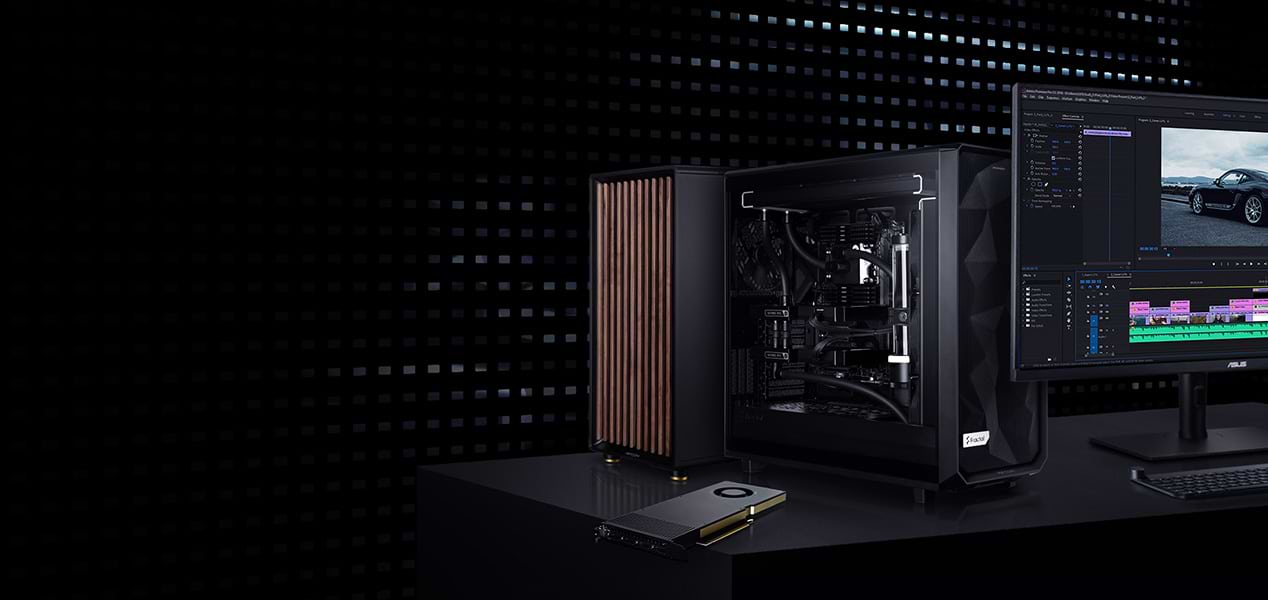
ELITE-LEVEL
VIDEO EDITING
The perfect platform for those who need to handle high resolutions
and complex editing projects.
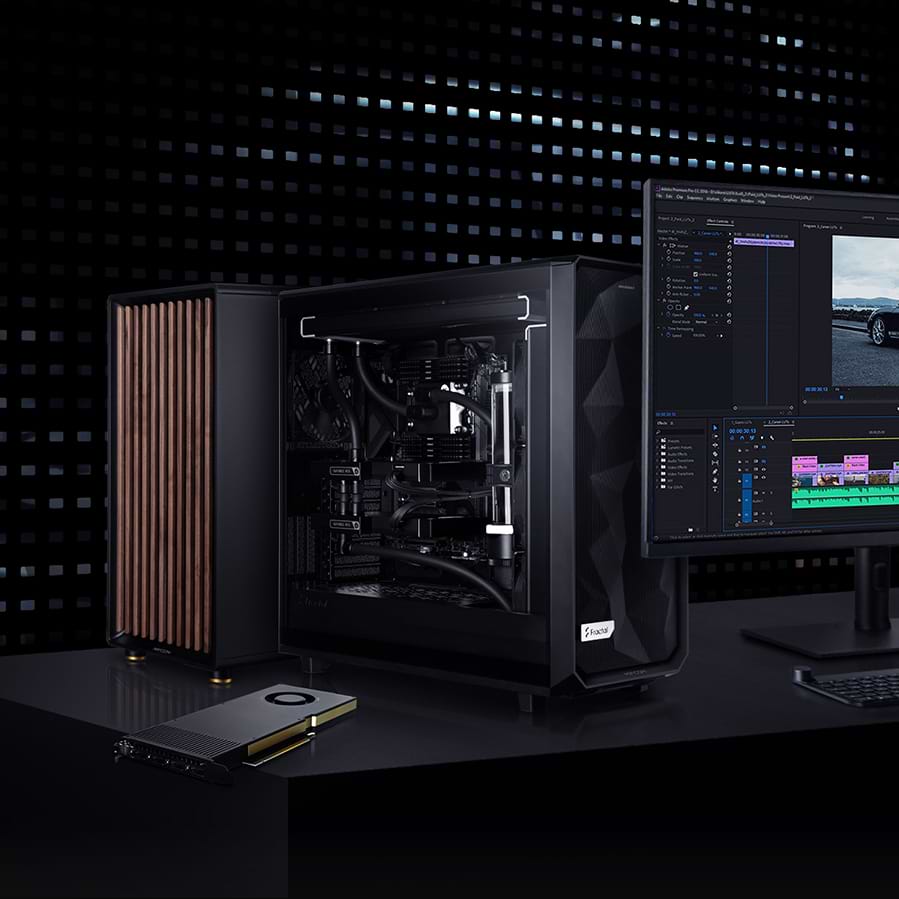
ELITE-LEVEL
VIDEO EDITING
The perfect platform for those who need to handle high resolutions and complex editing projects.

Fluid editing
Expandable & customizable
Unlimited storage space
Fluid editing
Expandable & customizable
Unlimited storage space
Video workstations
1 - 6 of 6 Products
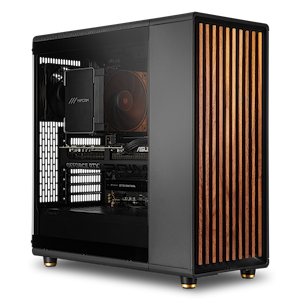
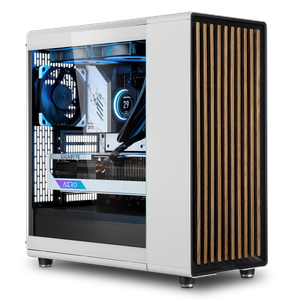
Video Workstations: Consistent Performance for Editing and Post-Production
A video workstation must be able to do three things at once: keep high-resolution footage running smoothly on the timeline, render GPU-accelerated effects in real time, and tap into its full processing power for hours during export. Our video workstations are optimized for this interplay between the processor, graphics card, RAM, and storage; they’re preconfigured for Adobe Premiere Pro, After Effects, and DaVinci Resolve, and can be customized component by component to suit your project.
The Right Processor: A Balance of Clock Speed and Cores
Performance in video editing depends largely on the processor—specifically, on the balance between a high clock speed and a sufficient number of cores: When working in the timeline, performance per core is key, while export and effect rendering also scale with the number of cores. The Intel Core Ultra 7 and Core Ultra 9, as well as the AMD Ryzen 7 and Ryzen 9, provide a solid foundation. If you regularly work with RAW footage, 8K projects, or parallel render jobs, configure your video workstation with an AMD Ryzen Threadripper to take advantage of significantly more cores for parallel processing.
The Right Graphics Card: GPU Acceleration for Effects and Export
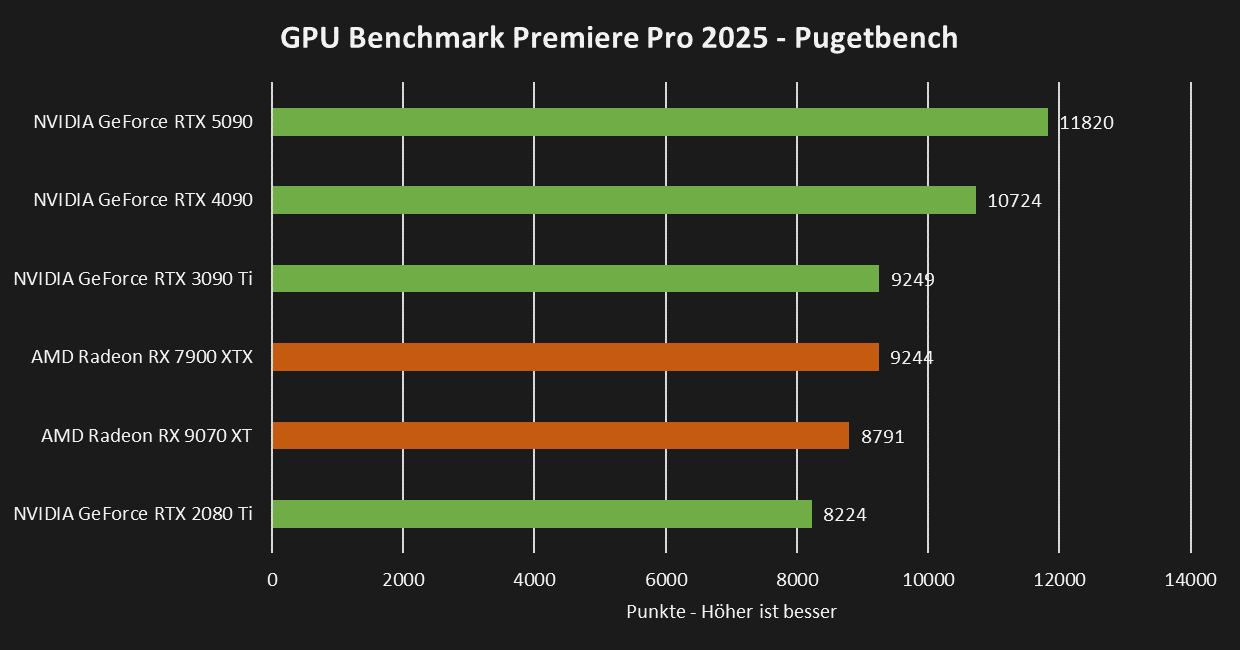
In Premiere Pro and DaVinci Resolve, the graphics card noticeably speeds up GPU-accelerated effects, color correction, and export. For 1080p and 4K editing, an NVIDIA GeForce RTX 5060 is sufficient; however, those working with multiple GPU-accelerated effects simultaneously or editing in 8K will benefit from an RTX 5070 Ti or RTX 5090 with correspondingly more graphics memory.
 |
RAM and Storage
RAM requirements depend on resolution and project complexity: 32 GB for 1080p projects, 64 GB for 4K, and 128 GB for higher resolutions and very long timelines. For storage, a three-part setup is recommended: a fast NVMe SSD for the system and applications, a second one for active projects and cache files, and, optionally, a large hard drive as a cost-effective archive for completed projects.
Configured for Your Workflow
Each preconfiguration is a starting point that you can then customize based on codecs, resolution, and project sizes. In the Workstation Configurator, you can configure your system to meet your individual needs. If you’re still deciding which platform best suits your workflow, our Workstation Buying Guide offers specific recommendations for each use case.
Is your focus more on graphic design? Our graphic design workstations are specifically optimized for Photoshop and Illustrator. Or are you looking for engineering or 3D work? You can find an overview of all profiles under Workstations by Application.
Our recommendations for Premiere Pro and After Effects
Adobe Premiere Pro | ||||
| Processor | Graphics Card | RAM | Storage | |
| 1080p | AMD Ryzen 5 9600X Intel Core Ultra 5 245K | NVIDIA RTX 5060 | 32GB | System: 1TB NVMe SSD Data: 1TB NVMe SSD |
| 4K | AMD Ryzen 7 9700X Intel Core Ultra 7 265K | NVIDIA RTX 5070 | 64GB | System: 1TB NVMe SSD Storage: 2TB NVMe SSD |
| 8K | AMD Ryzen 9 9950X Intel Core Ultra 9 285K | NVIDIA RTX 5070 Ti | 128GB | System: 1TB NVMe SSD Data: 2TB NVMe SSD |
Our Recommendations for Adobe After Effects
Adobe After Effects | ||||
| Processor | Graphics Card | RAM | Storage | |
| 1080p | AMD Ryzen 7 9700X | NVIDIA RTX 5060 | 32GB | System: 1TB NVMe SSD Data: 1TB NVMe SSD |
| 4K | Intel Core Ultra 7 265K | NVIDIA RTX 5070 | 64GB | System: 1TB NVMe SSD Data: 2TB NVMe SSD |
Custom-built, tested under full load for continuous operation
Every MIFCOM workstation is custom-built according to your configuration, featuring clean cable management for optimal airflow and quiet operation at your editing station. Before shipment, every system undergoes a stress test lasting several hours under full load. We provide a 3-year warranty on all systems, including pick-up and return service, as well as lifetime support.
Agencies, studios, and public institutions also benefit from dedicated account managers, quotes for bids, purchase on account, or leasing options. Contact our B2B team directly—by phone, email, or live chat.