Gaming PC Configurator
Gaming PCs with high-performance components are your reliable companion in your next match

Discover our new Kick-Ass Systems
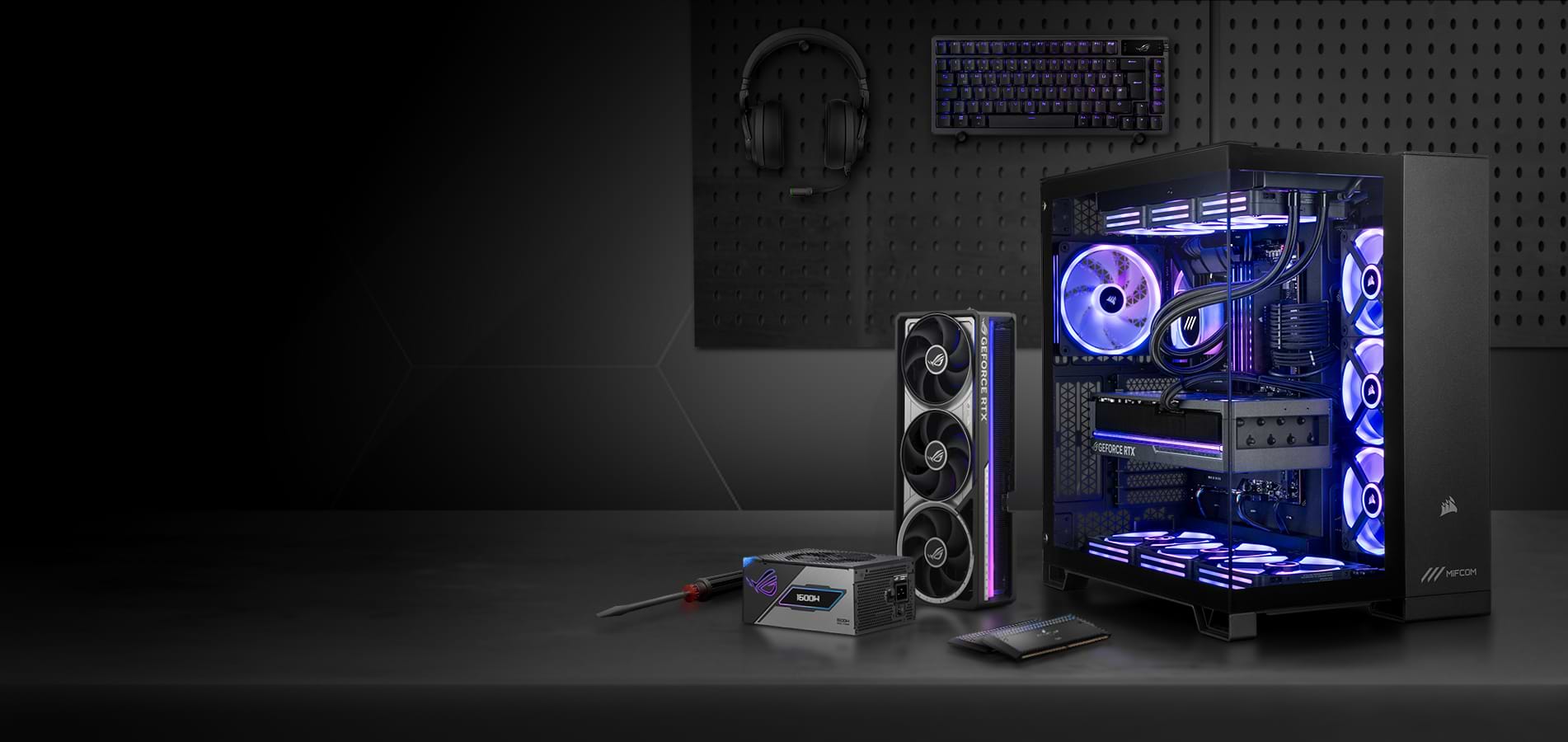
MIFCOM PC Configurator
CONFIGURE
SOMETHING UNIQUE!
Our PC configurator is the perfect solution
if you want to build your own custom system.
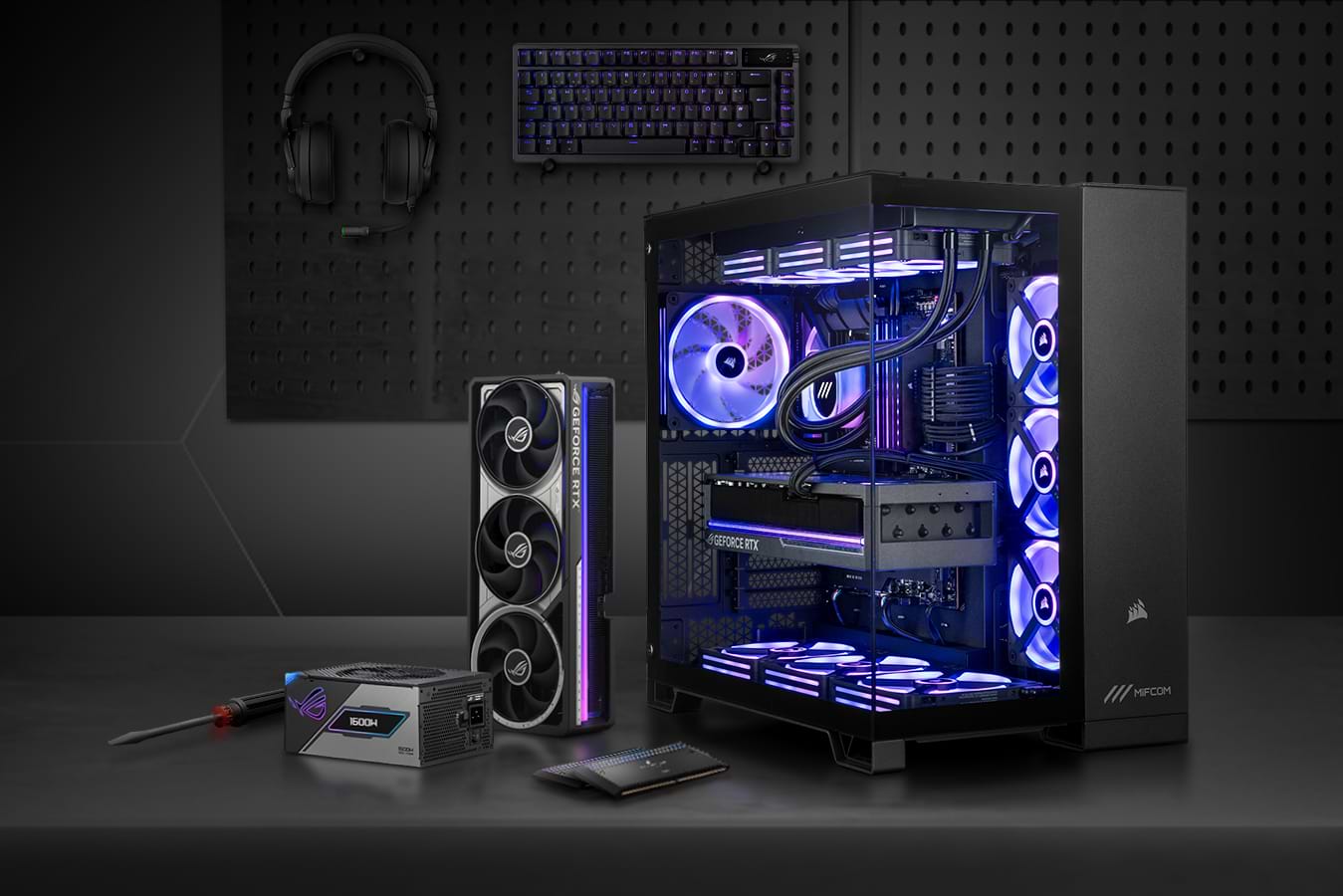
MIFCOM PC Configurator
CONFIGURE SOMETHING
UNIQUE!
Our PC configurator is the perfect solution if you want to build your own custom system.

Over 300,000 PCs built
20+ years in business
Over 10 million configurations possible
Over 300,000 PCs built
20+ years in business
Over 10 million configurations possible
Choose your configurator
With the widest selection of products on the market, you can choose the manufacturer and model that best suit your preferences.
Build your dream PC today with our best-in-class configurator.
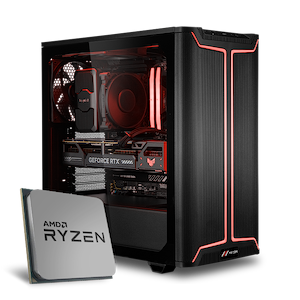
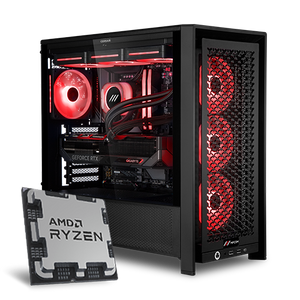
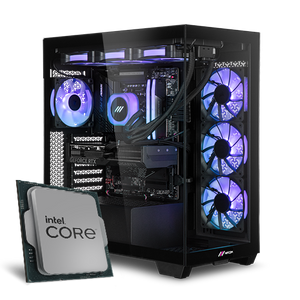
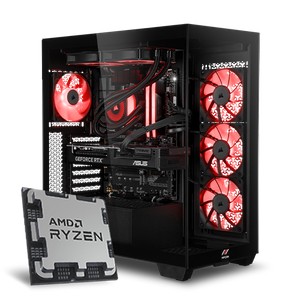
Gaming PC Configurator
Gaming PCs with high-performance components are your reliable companion in your next match
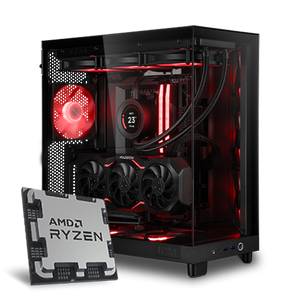
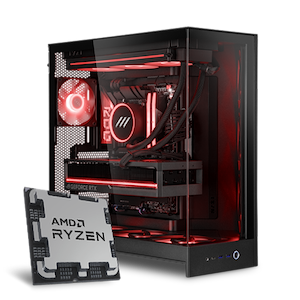
High-End PC Configurator
Our high-end PCs are built with the most powerful components and are designed to meet the highest standards.
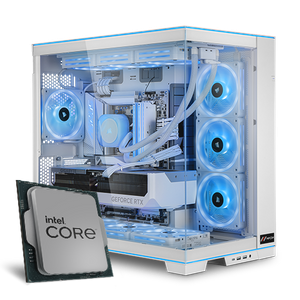
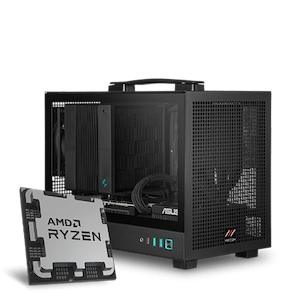
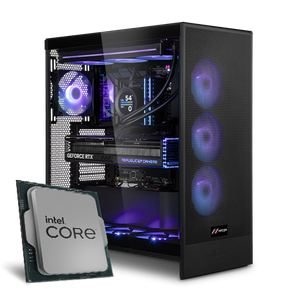
Mini Gaming PC Configurator
Full gaming power in a compact design? Then our mini gaming PCs are just what you're looking for
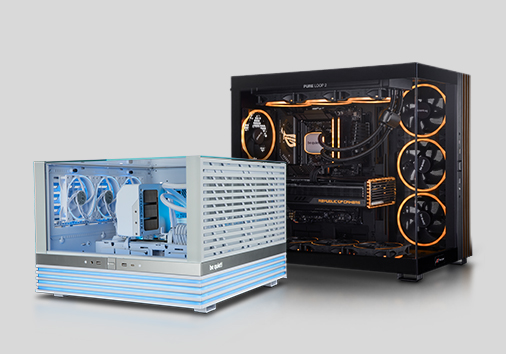
Silent PC Configurator
Whisper-quiet systems for maximum focus—find your perfect setup with our silent PCs
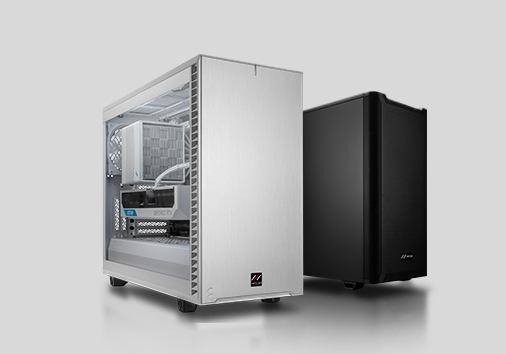
Office PC Configurator
Set up your home office with a system that reliably gets you through your day
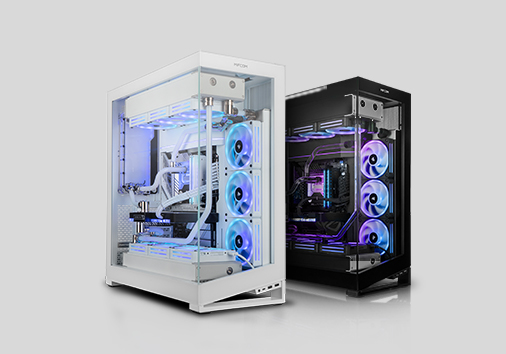
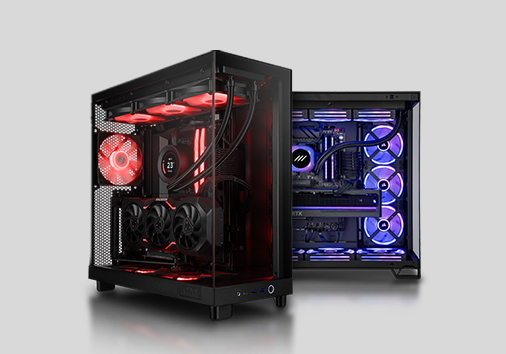
Custom Water-Cooling PC Configurator
For enthusiasts who value handcrafted performance, our custom water cooling systems are the perfect choice.


Configure Your Professional System
Do you need maximum performance and are looking for a custom workstation or server tailored to your needs?
Then these configurators are just what you need!
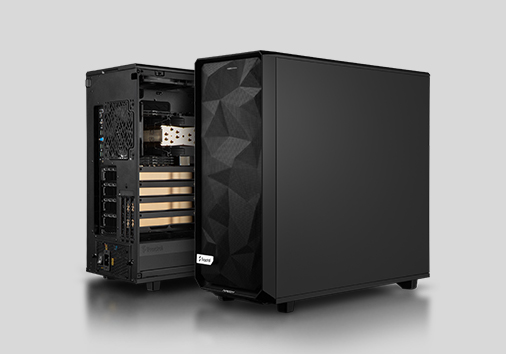
Workstation Configurator
Whether it's rendering, game development, or deep learning, our workstations can handle even the most demanding tasks
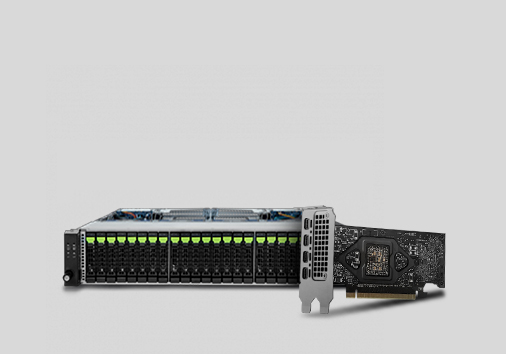
Server Configurator
Our servers are designed for maximum storage capacity and flexibility
Still undecided?
Need more help with your setup? Just get in touch with us, and our experts will be happy to assist you.
Our PC configurator is the perfect solution if you want to tailor your gaming PC exactly to your needs. You decide whether to choose a graphics card from AMD or NVIDIA, or a CPU from Intel or AMD. You also have full control over the exact models and manufacturers of every component.
Our configurator is among the most comprehensive PC builders available. It gives you full control over every component, with complete transparency about the parts used (e.g., the exact graphics card model).
Additionally, our FPS Finder shows real-time performance in current top titles, helping you make the right decision.
First, select the PC type. You can choose from the following six categories:
Once you’ve made your initial selection, the next step is to choose a base system. These models differ primarily in processor socket and CPU generation, which determine the overall performance class and key hardware specifications.
Each PC configurator features a carefully curated selection of compatible components tailored to its specific purpose. The High-End PC Configurator, for example, includes exclusively high-performance components, while the Silent PC Configurator focuses on whisper-quiet hardware.
Additionally, distinctions are made between Intel and AMD platforms, as well as current processor sockets and generations.
The huge selection of components in our PC configurators can be a bit intimidating at first, but our intelligent validation system immediately alerts you to potential issues. Thanks to our integrated FPS Finder, you can also get an estimate of your new computer’s performance at any time. As a general guideline, components should be balanced, a slow CPU can slow down a fast graphics card, and vice versa. But too little RAM can also hold back a high-end CPU and graphics card.
If you want to build your PC system using our PC configurator, you can choose from many optional parts. Everything required for basic operation is mandatory. So you must select a case, a motherboard with a compatible CPU, a CPU cooler, RAM, and a power supply. All other components, including the graphics card and hard drives, are optional, you just need to let us know which cables we should prepare for you if you already have the remaining components or plan to purchase them elsewhere.
The case already determines the basic orientation of your PC. A case with many glass panels allows for a spectacular look, but prevents the use of drives, for example. If noise level is particularly important, a sound-insulated case should be used. If maximum performance is important, airflow cases with a mesh front panel are suitable, for example. However, there are also simple all-rounders if internal specs matter most.
The motherboard houses the majority of the PC’s components. Each CPU generation has its own so-called chipsets, each offering a specific feature set, such as overclocking options and/or the latest technologies. As a rule of thumb: even budget motherboards are perfectly sufficient for the average PC – if additional ports, expansion slots, or specific features are needed, higher-end models should be considered. For demanding gamers who need the full performance of the components at all times, however, at least a mid-to-high-end motherboard should be chosen. You can find the information you need to make the right decision in our configurator.
Both Intel and AMD offer processors for various applications. A clear recommendation is not possible. As a rough guideline: Intel Core i3 CPUs or AMD Ryzen 3 CPUs are suitable for Office and multimedia, as well as many eSports titles. Intel Core i5 and AMD Ryzen 5 processors of the current generation are usually sufficient for all current games and applications without restrictions. Starting with the Intel Core i7 or AMD Ryzen 7, there are almost no limitations. If you want maximum performance for as many frames per second as possible or for professional applications, there are Intel Core i9 and Ryzen 9 processors. Our FPS Finder dynamically shows you the potential performance in games based on the selected CPU.
Without the right graphics card, even the fastest CPU won’t help in games. Exactly which graphics card you need depends on the specific games and applications. The higher the resolution, the higher the desired frames per second, and the more demanding the game or application, the faster the graphics card needs to be, more really does mean better here. In our PC Configurator, you’ll find a rough estimate of the recommended use case for the graphics card to help you make your decision. Our FPS Finder also helps you choose the right graphics card.
Modern PCs rely on SSDs for mass storage of data and applications. Here, it’s important to distinguish between SATA SSDs and PCIe SSDs. Generally speaking, the cheaper but slower SATA SSDs are already perfectly sufficient for the majority of users, whether for a gaming PC, an office PC, or a workstation. PCIe SSDs, especially PCIe 4.0 SSDs, however, offer significantly higher read and write speeds and much faster access times, a worthwhile investment depending on your needs.
We also offer a wide selection of RAM. As a minimum for non-office PCs, we recommend 16GB of RAM. Many applications and games still don’t require more than that today. 32GB is slowly becoming the current standard. This provides enough headroom even for the most demanding games. However, professional applications in particular can benefit from significantly more than 64GB of RAM.
When you configure a computer with us, you also get to choose the power supply and the built-in fans. For power supplies, we offer only high-quality models from well-known manufacturers. For budget PCs, we recommend our in-house MIFCOM power supplies; beyond that, we rely on Gold, Platinum, and Titanium models from brands such as Corsair and be quiet!. The choice of fans determines not only the appearance (e.g., RGB vs. non-illuminated) but also the noise level and performance. High-RPM fans may be slightly louder, but they cool more effectively and enable higher performance. Silent fans, on the other hand, ensure virtually silent operation, but temperatures tend to be slightly higher.
When building a PC using our computer configurator, you protect yourself against many problems that can arise when building one yourself. Not all components in our PC Builder are compatible with each other, but you’ll always be notified if components don’t match or if limitations are expected.
We strongly recommend using our PC configurators, especially for beginners but also for advanced users. A modern workstation or a high-end RGB PC is significantly more complex than just a few years ago, and building one yourself can be very frustrating: The power supply has too few ports, the RAM doesn’t fit under the CPU cooler, the graphics card is too long for the case, etc. And the assembly process itself has become very challenging, in our high-end systems, well over 20 cables and several controllers must be routed just for the fans alone.
There is no general price recommendation when building a computer. High demands on hardware performance go hand in hand with high prices. Generally, the graphics card and processor are the most expensive components of an average gaming PC and significantly determine its performance. As in other areas, our PC configurator often offers the best value for money in the mid-range price segment of €1,500 to €2,000.
A modern PC system with the latest hardware can be a very complex setup, and assembling it requires a great deal of experience. It starts with the design phase: poorly matched components waste performance unnecessarily; the dimensions of the components must be checked, and technical compatibility must be verified and here, experience is often the only thing that helps.
Assembly can also be tedious: large high-end components need to be accommodated, and countless cables must be routed properly, sometimes over 20 connections for fans alone! When you buy your new desktop PC from us, you’re spared this stress and the MIFCOM warranty protects you from costly issues for at least 3 years.
You decide whether to buy a pre-built computer from us or build your new desktop PC using our configurator. The configurator lets you tailor a PC exactly to your needs. The advantage of our pre-built computers is their balanced base configuration, which you can further customize. The downside is that these configurations can’t cover every possible need, that’s where our PC configurator comes in.
Our configurators also let you build an upgrade PC online according to your preferences. At MIFCOM, you can use the configurator not only to build fully equipped PCs but also to build upgrade PCs so you can continue using your existing hardware. Here, you have the option to purchase PCs without storage drives or graphics cards, you can then complete the ordered upgrade PC yourself using your existing hardware. Our upgrade PC configurator alerts you to all potential sources of error, thereby preventing issues before they arise. This way, you don’t have to worry about incompatibilities such as mismatched RAM, etc.. Our upgrade PCs are guaranteed to run smoothly. Like any other PC, these upgrade systems are tested for error-free operation before being shipped to you. This makes it easy for you to breathe new life into your existing hardware!
For optimal performance, suitable peripherals, such as a monitor, mouse, and keyboard, are also essential. Selected premium devices with RGB lighting from Corsair complement your setup. We offer you a choice between wired, gaming, and complete sets for keyboards and mice. The PC configurator offers you the right input devices for every use case. Breathtaking response times, N-key rollover, macro keys, and mechanical keyboards are just a few of the highlights. And the best part: the configurator offers significant discounts when you purchase your new PC.
Of course, you’ll receive the full 3-year warranty for your custom-built PC from the PC configurator. For the entire warranty period, you’ll have access to the PickUp & Return service in case repairs are ever needed. If you wish, this service can be extended up to 5 years.
Professional assembly with premium cable management and a thorough technical and visual quality control are a given for us and come at no extra cost. Once your computer is assembled and ready to go, we test it for performance and reliability using a multi-stage testing procedure we developed ourselves.
If you need help putting together your computer, you can reach us by phone or via the contact form. Our experienced team of PC enthusiasts is happy to assist you with any questions regarding your configuration.
1 - 16 of 16 Products