

Virtualisation Servers
Buy Virtualization Servers – For VMware, Proxmox, and Hyper-V
8.649
10.299
Virtualization server
1 - 7 of 7 Products
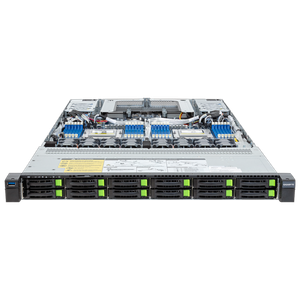
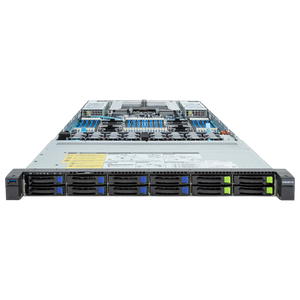
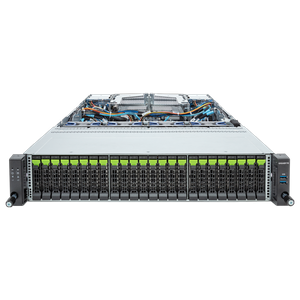
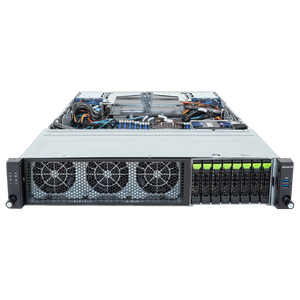
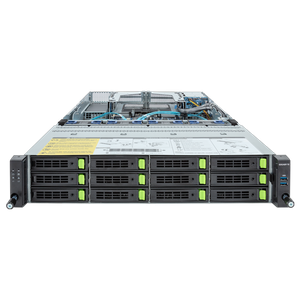
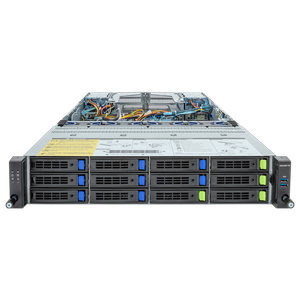
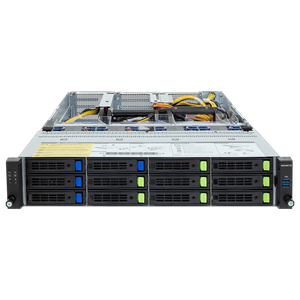
Virtualization Servers for VMware, Proxmox, and Hyper-V
Are you looking for the perfect server to reduce operating costs and hardware purchases through virtualization? Our virtualization servers are specifically configured for VMware, Microsoft Hyper-V, and Proxmox VE; we’ve tested each component individually and validated them with our own benchmarks to offer you the best systems for your virtual machines.
CPU, RAM, and Network Requirements
To run as many virtual machines as possible on your server, you should choose processors with as many cores as possible; the exact number of cores you ultimately need depends on the requirements of your applications. As a rule of thumb, you can run about four virtual CPUs on a single physical core. The amount of RAM should be based on your applications’ needs, as oversizing wastes resources; we recommend at least 64 GB of ECC RAM for a virtualization server. The required network resources depend on the desired redundancy and the intended use: If you use network storage via iSCSI, more than four network cards are advisable, and for vSwitches, you should assign multiple network cards to them to increase redundancy.
Ideally, you should operate at least two—preferably three—servers for virtualization; this allows you to effectively mitigate outages and maintenance downtime while optimizing load balancing. Systems with one to two rack units offer the best balance between flexibility, scalability, and space requirements.
Software Solutions for Virtualization and Storage Connectivity
For virtualizing your servers, we recommend established solutions such as VMware, Microsoft Hyper-V, or the open-source Proxmox VE, which is also becoming increasingly popular in enterprise environments. Additionally, you should protect your virtualized servers with a backup solution such as Veeam. If you already have a SAN available, this is the best solution in terms of performance and scalability, since multiple virtualized servers can jointly access the available storage space, which also enables features such as live migration. When selecting drives, IOPS and throughput are the most important factors.
If you also need GPU passthrough on your virtualized server for rendering or AI applications, you’ll find the right expansion in the GPU server category; the Servers by Application category provides an overview.
| Usage Profile | Number of VMs | Recommended Processor | RAM |
| Small Environment | Up to 15 VMs | Single-socket, multiple cores | 64 GB or more of ECC RAM |
| Medium-sized environment | 15–40 VMs | Dual-socket | 128–256 GB ECC RAM |
| Cluster (HA) | 40 or more VMs, multiple hosts | Dual-socket, redundant hosts | 256 GB ECC RAM per host |
Configure Your Custom Virtualization Server
If you’re still deciding which server type is right for your needs, our server buying guide offers specific recommendations for every use case. Business customers and public institutions also benefit from dedicated account managers, quotes for RFPs, purchase on account, or leasing options. Have you lost track of the options with so many choices, or do you have specific requirements for your virtualization project? No problem—our sales team is here to help and will gladly advise you on any questions! You can reach us by phone, email, or via live chat in our store. You’re also welcome to contact our B2B team.
In the Server Configurator, you can configure your system according to your individual preferences.