
Discover our new Kick-Ass Systems
Affordable PC Guide 2026 - for office and multimedia
 | Affordable Multimedia & Office PCs:
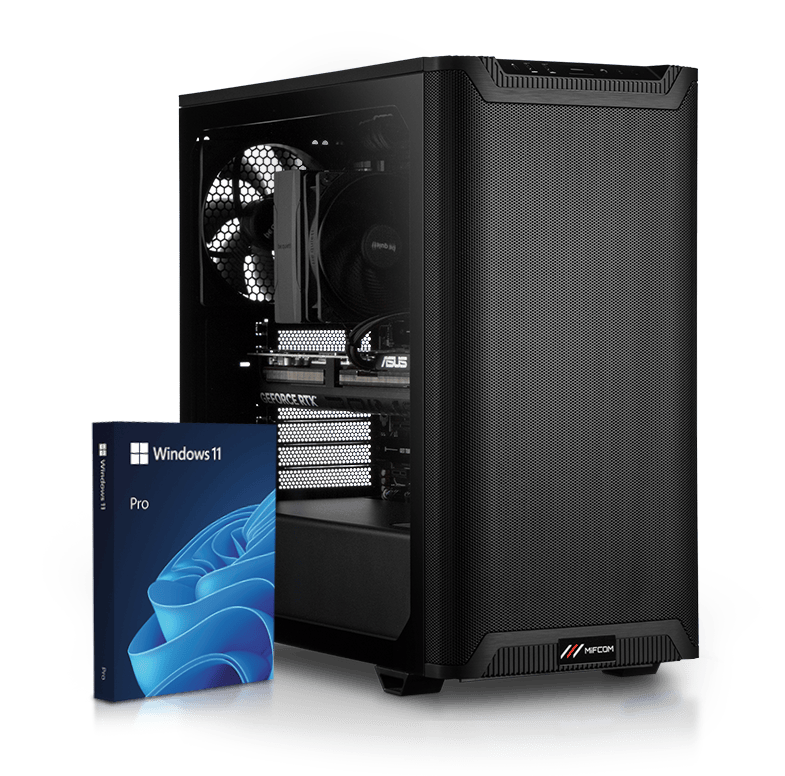
The affordable all-around PC for everyone, whether for multimedia applications, office work, internet use, or simple games. MIFCOM’s affordable all-around and office PC systems are perfectly suited for these tasks. These multimedia PCs perform reliably both in the office and at home in the living room. |
|
Affordable Multimedia & Office PCs:
The affordable all-around PC for everyone, whether for multimedia applications, office work, internet use, or simple games. MIFCOM’s affordable all-around and office PC systems are perfectly suited for these tasks. These multimedia PCs perform reliably both in the office and at home in the living room. |
Build an affordable All-Purpose & Office PC
 | Affordable All-Purpose and Office PC: The Processor
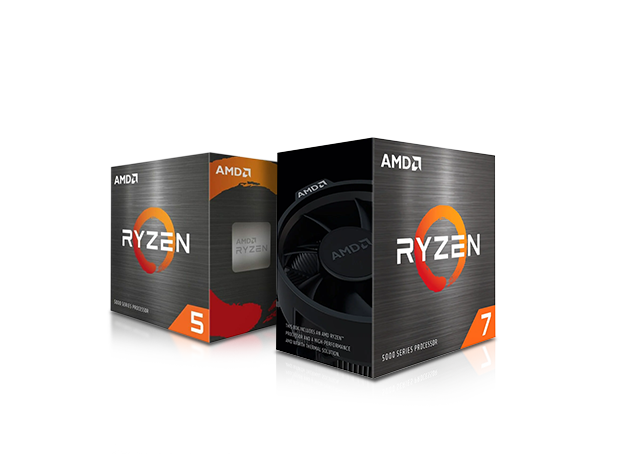
Unlike expensive gaming PCs, quad-core processors with integrated graphics (iGPU) are more than sufficient for most multimedia PCs. Very affordable processors are sufficient for everyday office tasks such as email, web browsing, or music applications—but for older games or video/image editing, you may need more than four processor cores and, above all, a dedicated graphics card.
Processor generations: In the multimedia and office sector, buyers can choose from numerous processor generations from AMD and Intel. As a general rule in this segment: Intel processors often offer a slightly more efficient foundation and slightly higher performance per clock cycle (MHz), but a weaker integrated graphics unit. However, these integrated graphics units, known as Intel HD, are already sufficient for a pure office environment. AMD offers comparable performance here with a significantly more powerful integrated graphics unit, such as the Ryzen 7 8700G, which is also suitable for the occasional game.
AMD APUs are based on the AM4 or AM5 socket. What makes this socket special is that upgrading to significantly more powerful models later on is often easily possible.
Particularly affordable office PCs with Intel processors are generally based on the 14th generation in the form of the 1751 socket. If particularly high performance per clock cycle is required or there is a general preference for Intel, we recommend the proven Intel Core i3 for entry into the office environment. With powerful cores and the integrated Intel HD graphics unit, this offers more than enough performance for office applications. However, it’s important to note that certain processors lack an integrated graphics unit, meaning the PC won’t display an image unless a dedicated graphics card is used. This applies to Intel Core CPUs with the letter “F” in the product name.
Purchase recommendation: The various models of AMD APUs dominate the market for the most affordable office PCs, typically priced up to 400 euros. However, to ensure better future-proofing, you should opt for at least an AMD Ryzen 5 5600G on a B550 motherboard or newer. Intel’s Core i3, on the other hand, is a strong choice for CPU-intensive tasks. Its integrated graphics unit is slightly weaker than that of AMD APUs, but it can easily be supplemented with a dedicated graphics card in the future.
|
Build an affordable All-Purpose & Office PC
|
Affordable All-Purpose and Office PC: The Processor
Unlike expensive gaming PCs, quad-core processors with integrated graphics (iGPU) are more than sufficient for most multimedia PCs. Very affordable processors are sufficient for everyday office tasks such as email, web browsing, or music applications—but for older games or video/image editing, you may need more than four processor cores and, above all, a dedicated graphics card.
Processor generations: In the multimedia and office sector, buyers can choose from numerous processor generations from AMD and Intel. As a general rule in this segment: Intel processors often offer a slightly more efficient foundation and slightly higher performance per clock cycle (MHz), but a weaker integrated graphics unit. However, these integrated graphics units, known as Intel HD, are already sufficient for a pure office environment. AMD offers comparable performance here with a significantly more powerful integrated graphics unit (applies to the Ryzen 3 3000G, 3200G, and 3400G APUs), which are also suitable for the occasional game.
AMD APUs are based on the AM4 socket and are categorized into the AMD Ryzen 3000G, 3200G, and 3400G series. While the entry-level AMD Ryzen 3000G models are equipped with two processor cores and a smaller graphics unit, the Ryzen 3 3200G and Ryzen 5 3400G, with four cores and particularly powerful graphics units, are generally also suitable for current games at reduced detail levels. What makes this socket special is that upgrading to significantly more powerful models later on is often easily possible. Apart from the A320 chipset, which only supports Ryzen CPUs up to the second generation (Ryzen 2000), even when using older B350 boards, an upgrade to the latest Ryzen 3000-generation processors is possible—meaning up to 16 cores and 32 threads. However, all CPUs except for the aforementioned G-series processors (3000G–3400G) require a dedicated graphics card.
Particularly affordable office PCs with Intel processors are generally based on the Comet Lake generation in the form of the LGA 1200 socket. If particularly high performance per clock cycle is required or there is a general preference for Intel, we recommend the proven Intel Core i3 for entry into the office environment. With 4 powerful cores and the integrated Intel HD graphics unit, this offers more than enough performance for office applications. However, it’s important to note that certain processors lack an integrated graphics unit, meaning the PC won’t display an image unless a dedicated graphics card is used. This applies to Intel Core CPUs with an “F” suffix in the product name. These are available in the 9th and 10th generations. In short: an Intel Core i3 10100 does not require an additional graphics card; the monitor can be connected via a port on the motherboard. An Intel Core i3 10100F requires an additional graphics card, and the monitor must then be connected to the graphics card.
Purchase recommendation: The various models of AMD APUs dominate the market for the most affordable office PCs, typically priced up to 400 euros. However, to ensure better future-proofing, you should opt for at least an AMD Ryzen 5 5600G on a B550 motherboard or newer. Intel’s Core i3, on the other hand, is a strong choice for CPU-intensive tasks. Its integrated graphics unit is slightly weaker than that of AMD APUs, but it can easily be supplemented with a dedicated graphics card in the future.
|
 | Affordable All-Purpose and Office PC: The Motherboard
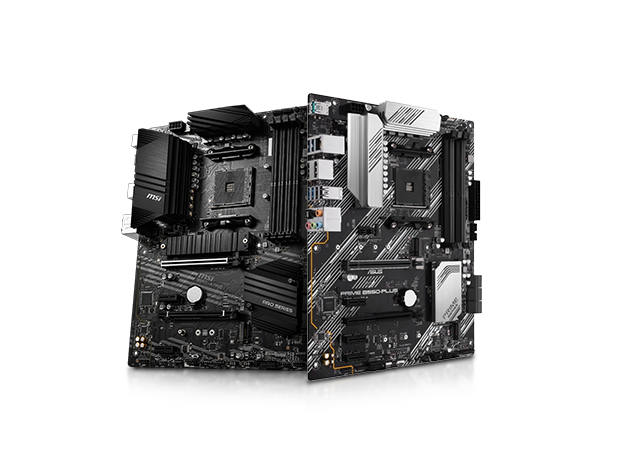
The motherboard is primarily responsible for ensuring optimal coordination and performance of the installed components. Even for an affordable PC, a good and reliable motherboard is essential to avoid compromising system stability, otherwise, you’ve cut corners in the wrong place. For all-purpose and office PCs, it’s best to use motherboards from reputable manufacturers such as ASUS, Gigabyte, or MSI. Each of these manufacturers, which have made a name for themselves with high-performance components for the gaming sector, also offers more affordable motherboards in their usual quality. Although certain features like advanced overclocking functions or multi-GPU support are missing, this isn’t a drawback when building an affordable all-purpose PC. Long-term stable operation and a wide range of connectivity options are more important here. The standard features of any motherboard for an affordable all-around PC should include numerous USB ports, a network port, and at least 5.1 audio jacks, which is the case with virtually every current motherboard. Depending on your needs, you can also consider models with FireWire, eSATA, or optical audio ports. The number of slots for expansion cards also varies depending on the motherboard. Affordable motherboards in the popular Micro-ATX format offer a total of four such slots (PCI-Express and PCI), which is usually sufficient. Micro-ATX motherboards also offer a good price-to-performance ratio and are therefore recommended for building affordable all-around and office PCs.
Our recommendation:
The same applies to Intel processors: the H710/H810 chipset covers the entry-level segment, providing the essentials for office use, while the mid-range features B760/B860 motherboards. However, not every combination makes sense. For office PCs, we recommend Intel B760/B860 chipsets, but for K-series processors and very powerful processors, we recommend Z790/Z890, as other components (e.g., the motherboard’s voltage regulators) are correspondingly more robust in these cases. |
|
Affordable All-Purpose and Office PC: The Motherboard
The motherboard is primarily responsible for ensuring optimal coordination and performance of the installed components. Even for an affordable PC, a good and reliable motherboard is essential to avoid compromising system stability, otherwise, you’ve cut corners in the wrong place. For all-purpose and office PCs, it’s best to use motherboards from reputable manufacturers such as ASUS, Gigabyte, or MSI. Each of these manufacturers, which have made a name for themselves with high-performance components for the gaming sector, also offers more affordable motherboards in their usual quality. Although certain features like advanced overclocking functions or multi-GPU support are missing, this isn’t a drawback when building an affordable all-purpose PC. Long-term stable operation and a wide range of connectivity options are more important here. The standard features of any motherboard for an affordable all-around PC should include numerous USB ports, a network port, and at least 5.1 audio jacks, which is the case with virtually every current motherboard. Depending on your needs, you can also consider models with FireWire, eSATA, or optical audio ports. The number of slots for expansion cards also varies depending on the motherboard. Affordable motherboards in the popular Micro-ATX format offer a total of four such slots (PCI-Express and PCI), which is usually sufficient. Micro-ATX motherboards also offer a good price-performance ratio and are therefore recommended for building affordable all-around and office PCs.
Our recommendation:
The same applies to Intel processors: the H310/H410 chipset covers the entry-level segment, providing the essentials for office use; in the mid-range, you’ll find B360/B460 motherboards, and above that are the H370/H470 and Z390/Z490 chipsets. (Almost) all 9th-generation CPUs (i3 9100F to i9 9900K) run on the 300-series chipsets, while the 10th generation (i3 10100F to i9 10900K) runs on the 400-series chipsets. However, not every combination makes sense. For office PCs, we recommend Intel chipsets H310/410 to H370/H470; for K-series processors and very powerful processors (starting with the Core i7 9700K), however, we recommend the Z390 or Z490, as other components (e.g., the motherboard’s voltage regulators) are correspondingly more robust in these models. |
 | Affordable All-Purpose and Office PC: The Graphics Card
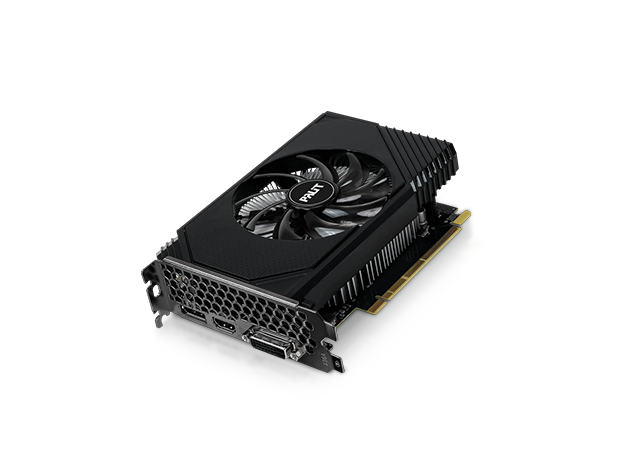
For an all-purpose or office PC, graphics performance requirements are usually not very high. Word processing, internet browsing, and (HD) video playback are tasks that affordable PCs in this category handle 90 percent of the time. Onboard graphics solutions already meet these requirements perfectly. Modern onboard graphics cards have no trouble handling common multimedia applications, simple image editing programs, HD-quality video playback, or even simple games. They offer the necessary features and performance in an energy-efficient package and are very affordable, as they are already included in the purchase price of the motherboard or processor.
For budget PCs, we recommend using AMD chipsets with integrated graphics, such as AMD’s graphics units, as well as the Intel HD Graphics integrated into Intel Core i3/i5 processors. They all feature at least two display ports, enabling multi-monitor operation. |
|
Affordable All-Purpose and Office PC: The Graphics Card
For an all-purpose or office PC, graphics performance requirements are usually not very high. Word processing, internet browsing, and (HD) video playback are tasks that affordable PCs in this category handle 90 percent of the time. Onboard graphics solutions already meet these requirements perfectly. Modern onboard graphics cards have no trouble handling common multimedia applications, simple image editing programs, HD-quality video playback, or even simple games. They offer the necessary features and performance in an energy-efficient package and are very affordable, as they are already included in the purchase price of the motherboard or processor.
For budget PCs, we recommend using AMD chipsets with integrated graphics, such as AMD’s Vega graphics units, as well as the Intel HD Graphics integrated into Intel Core i3/i5 processors. Additionally, for budget all-around PCs, we recommend entry-level graphics cards from Nvidia and AMD, which provide higher graphics performance while still being energy-efficient. These include models such as the NVIDIA GeForce 1030 and 1650 or the AMD Radeon RX 550 and 560. They all feature at least two display ports, enabling multi-monitor setups. |
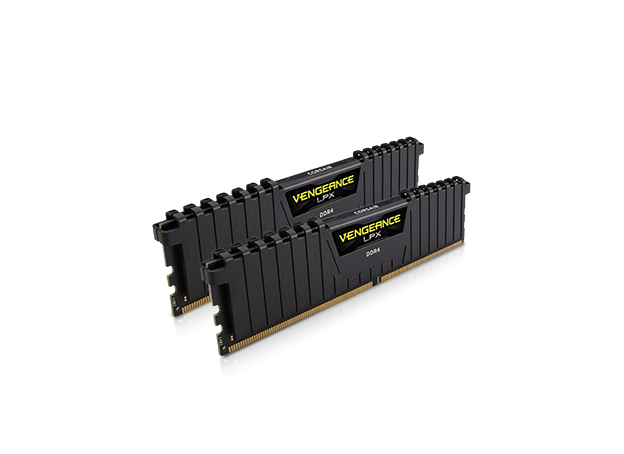 | Affordable All-Purpose and Office PC: RAM
To ensure fast application performance, even an affordable PC should have at least 16GB of RAM these days. However, 32GB is already the standard in this segment. Equipped with 32GB of RAM and a fast processor, a modern yet affordable all-purpose PC can handle multiple applications simultaneously at high speed, keep numerous browser windows open, and even run a virus scan in the background without the user noticing any slowdown. 32GB of RAM is recommended for video editing or for running a large number of programs simultaneously. |
|
Affordable All-Purpose and Office PC: RAM
To ensure fast application performance, even an affordable PC today should have at least 8GB of RAM. However, 16GB is already the standard in this segment. Equipped with 16GB of RAM and a fast processor, a modern yet affordable all-purpose PC can handle multiple applications simultaneously at high speed, keep numerous browser windows open, and even run a virus scan in the background without the user noticing any slowdown. 8GB of RAM is recommended for video editing or for running a large number of programs at the same time. |
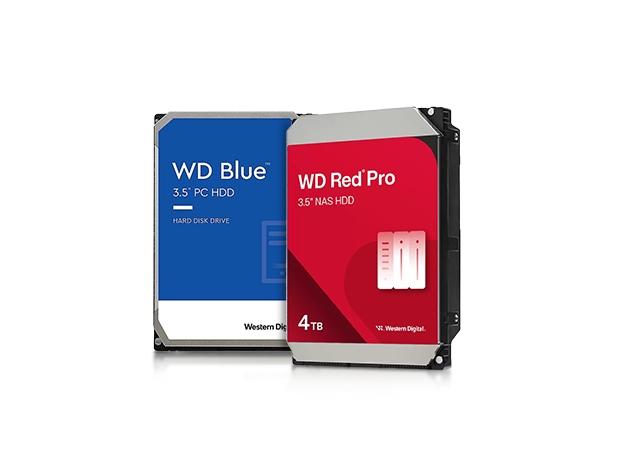 | Affordable All-Purpose and Office PC: Hard Drives and SSDs
The hard drive in an affordable all-purpose PC doesn’t necessarily have to be the fastest, but it should still be fast enough not to slow the computer down. Reusing old SATA hard drives from an old, retired computer is therefore not an ideal solution. NVMe SSDs are now the standard even in the most affordable office PCs. There is now only a small price difference between HDDs and SSDs - and the extra cost is definitely worth it. HDDs should only be used if you have particularly large storage needs. It’s important to note that you should plan for about 100GB for the operating system installation, including programs and updates. This means that a 500GB SSD could reach its limit after just one year. |
|
Affordable All-Purpose and Office PC: Hard Drives and SSDs
The hard drive in an affordable all-purpose PC doesn’t necessarily have to be the fastest, but it should still be fast enough not to slow the computer down. Reusing old SATA hard drives from an old, retired computer is therefore not an ideal solution. NVMe SSDs are now the standard even in the most affordable office PCs. There is now only a small price difference between HDDs and SSDs - the extra cost is definitely worth it. HDDs should only be used if you have particularly large storage needs. It’s important to note that you should plan for about 100GB for the operating system installation, including programs and updates. This means that a 500GB SSD could reach its limit after just one year. |
All-Purpose & Office PCs at an Affordable Price
Our all-purpose and office PCs are priced between approximately €200 and €500, placing them just below high-performance and gaming PCs. The key savings you can achieve when building an affordable all-purpose PC compared to a gaming PC are primarily:
- Affordable CPU: For an all-purpose PC, entry-level dual-core CPUs are usually sufficient
- Affordable graphics card: Onboard graphics solutions or low-budget graphics cards are ideal for simple applications and (HD) video playback
- Affordable motherboard: without expensive gaming features, motherboards with a good range of functions are comparatively affordable
- Affordable case: Micro-ATX standard cases are more affordable than gaming towers despite their good build quality
- Affordable power supply: Thanks to energy-efficient hardware, the power supply doesn’t need to be as powerful
Your MIFCOM Team
All-Purpose & Office PCs at an Affordable Price
Our all-purpose and office PCs are priced between approximately €200 and €500, placing them just below high-performance and gaming PCs. The key cost savings you can achieve by building an affordable all-purpose PC instead of a gaming PC are primarily:
- Affordable CPU: For an all-purpose PC, entry-level dual-core CPUs are usually sufficient
- Affordable graphics card: Onboard graphics solutions or low-budget graphics cards are ideal for simple applications and (HD) video playback
- Affordable motherboard: without expensive gaming features, motherboards with a good range of functions are comparatively affordable
- Affordable case: Micro-ATX standard cases are more affordable than gaming towers despite their good build quality
- Affordable power supply: Thanks to energy-efficient hardware, the power supply doesn’t need to be as powerful
Your MIFCOM Team