

2.449
8.849


Game development Workstations for Unreal Engine and Unity
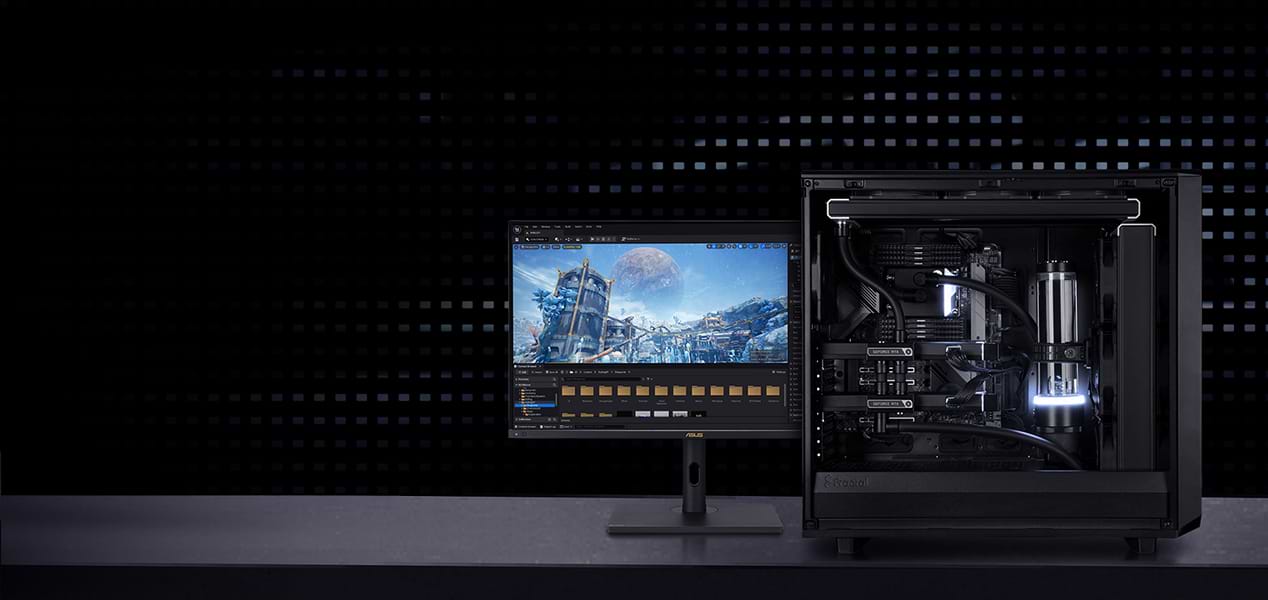
DEVELOP THE GAMES
OF TOMORROW
Game Development Workstations – state-of-the-art
hardware for immersive game worlds.
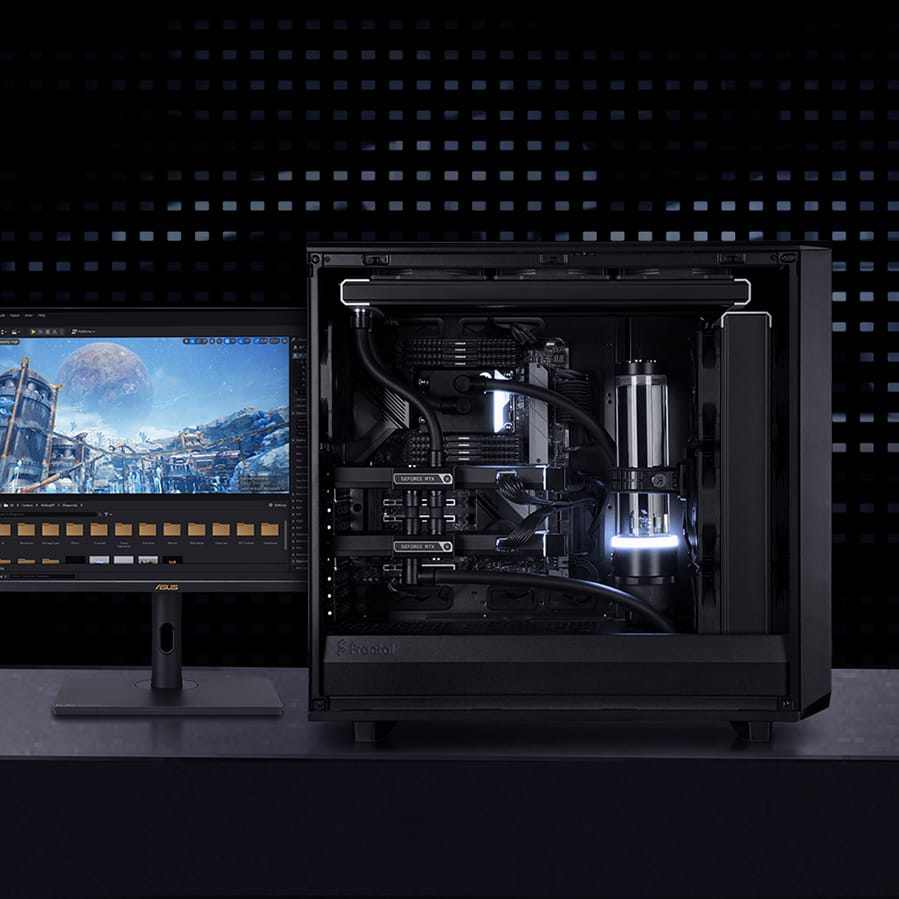
DEVELOP THE GAMES OF TOMORROW
Game Development Workstations – state-of-the-art hardware for immersive game worlds.

High-performance hardware
Optimized for game development
Realistic graphics & effects
High-performance hardware
Optimized for game development
Realistic graphics & effects
Game Development Workstations
1 - 7 of 7 Products
WORKSTATIONS FOR
EVERY WORKFLOW
MIFCOM workstations are the
perfect choice for demanding projects.
Game Development Workstations: Short Iteration Cycles in Unreal and Unity
Game development places demands on hardware on two levels simultaneously: many CPU cores for compilation, shader builds, and light baking, plus a powerful graphics card for engine previews at target quality. Our game development workstations are designed specifically for this dual requirement and reduce wait times between coding, building, and testing, so your iterations run faster.
The Right Processor: Single-Core Speed Meets Build Performance
The processor is the performance-determining component of a game development workstation; what’s needed is a combination of high single-core performance and a sufficient number of cores. The best balance currently is offered by the latest AMD processors, ranging from the Ryzen 7 9800X3D—whose large 3D cache particularly benefits engine performance—to the Ryzen 9 9950X. If your daily workflow is dominated by tasks with high multi-core demands—such as compiling large projects or light baking—additional cores are worthwhile: In this case, the AMD Ryzen Threadripper 9000 series, with up to 64 cores, is recommended.
The Right Graphics Card: Engine Preview at Target Quality
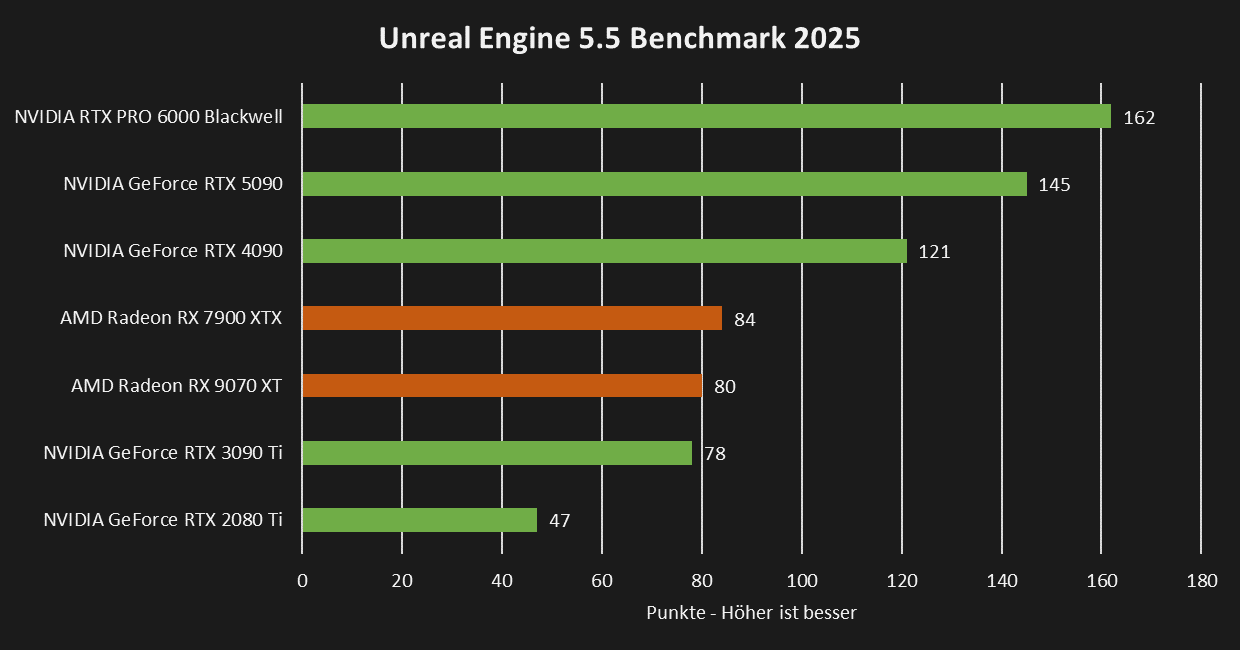
The graphics card determines how smoothly the viewport and test builds run, and with Unreal Engine 5, it’s increasingly taking on rendering tasks during development itself through features like Lumen and Nanite. To get started, we recommend an NVIDIA GeForce RTX 5070; if you’re developing projects with maximum asset density and need previews at full target quality, go for the GeForce RTX 5090 with 32 GB of VRAM.
 |
RAM and Storage
RAM requirements depend on your projects, especially on memory-intensive tasks like light baking: In general, we recommend 32 GB; for particularly demanding projects, 64 GB. For storage: Install the operating system, engine, and tools on a fast NVMe SSD, and store the often very large project folders on a second NVMe SSD for fast load times. An HDD is only suitable as an archive for completed projects.
Configured for Your Pipeline
Each preconfiguration is a starting point that you can adapt to your engine, project size, and team workflow. In the Workstation Configurator, you can configure your system according to your individual needs. If you’re still deciding whether your daily workflow benefits more from clock speed or the number of cores, our Workstation Buying Guide offers specific recommendations for each use case.
Do you want to visualize your game using rendering or render cutscenes first? Our rendering workstations deliver the computing power you need. Are you developing specifically for VR headsets? Our VR workstations are designed to meet the unique demands of virtual reality.
Our Recommendations for Unreal Engine and Unity
| Application | Processor | Graphics Card | RAM |
| Mobile Game Development | AMD Ryzen 5 9600X Intel Core Ultra 5 245K | NVIDIA RTX 5070 | 32GB |
| 3D Game Development | AMD Ryzen 7 9800X3D Intel Core Ultra 7 265K | NVIDIA RTX 5080 | 32GB |
| Complex 3D Game Development | AMD Ryzen 9 9900X3D Intel Core Ultra 9 285K | NVIDIA RTX 5090 | 64GB |
Custom-built, tested under full load for continuous operation
Every MIFCOM workstation is custom-built according to your configuration, featuring clean cable management for optimal airflow and quiet operation in the workplace. Before shipment, every system undergoes a stress test lasting several hours, during which the processor, graphics card, and RAM are tested together under full load. This ensures that your workstation runs stably even during continuous operation, throughout long build and bake runs, playtests, and crunch periods. We provide a 3-year warranty on all systems, including pick-up & return service, as well as lifetime support.
Development studios, indie teams, and public institutions also benefit from dedicated account managers, quotes for competitive bids, purchase on account, or leasing options. Contact our B2B team directly—by phone, email, or live chat.