
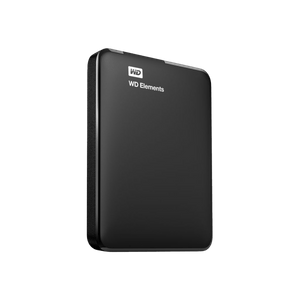
Western Digital - Elements Portable 1TB
ID: 14036
119
,-
9
,91
Delivery time:
1-3 business days

Discover our new Kick-Ass Systems
External Hard Drives
119
499
1 - 7 of 7 Products
Western Digital - Elements Portable 1TB
119
,-
9
,91
Delivery time:
1-3 business days
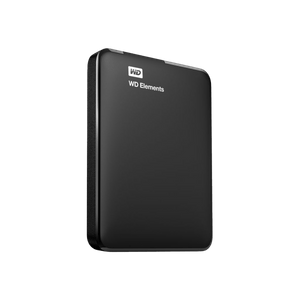
Western Digital - Elements Portable 2TB
129
,-
10
,75
Delivery time:
1-3 business days
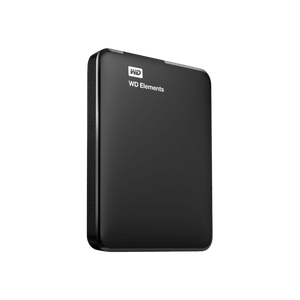
Western Digital - Elements Portable 4TB
199
,-
11
,05
Delivery time:
1-3 business days
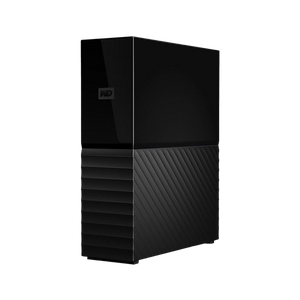
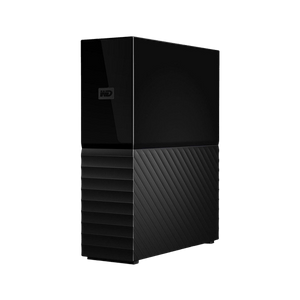
Western Digital - My Book 6TB
249
,-
10
,37
Delivery time:
1-3 business days
Western Digital - My Book 8TB
299
,-
9
,96
Delivery time:
1-3 business days
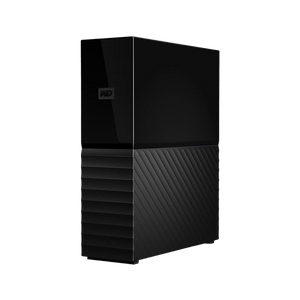
Western Digital - My Book 12TB
399
,-
9
,10
Delivery time:
1-3 business days
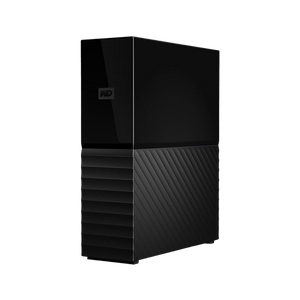
Western Digital - My Book 14TB
499
,-
9
,11
Delivery time:
1-3 business days
External HDDs combine ample storage space with reliable data protection and long-lasting durability. With built-in 256-bit AES hardware encryption, your content is always kept confidential and secure. The external hard drives are ready to use right away. You can start transferring data immediately. Safeguard your photos, videos, music, and documents.
An external HDD (hard disk drive) is a classic mechanical hard drive that connects to your computer, laptop, or smart TV via USB or other interfaces. It’s ideal for archiving large amounts of data, backing up important files, or transferring data between different devices.
Unlike internal hard drives, an external HDD is ready to use immediately without having to open your PC. Especially when paired with laptops, which often offer limited storage, a portable HDD is the perfect addition.
Whether for personal backups, professional photo archives, or video collections—an external HDD offers a range of compelling benefits:
 Large storage capacity: Up to several terabytes for data, photos, videos, and games
Cost-effective per GB compared to SSDs
Long lifespan thanks to robust construction
Plug & Play: Ready to use immediately without complicated setup
Compatible with Windows, macOS, Linux, and consoles
Encryption & password protection for enhanced data security
| Feature | External HDD | External SSD |
| Storage capacity | Up to 20 TB and more | Usually up to 4 TB |
| Speed | Approx. 100–150 MB/s | 500+ MB/s |
| Durability | Mechanical parts, making it more sensitive | No moving parts |
| Price range | More affordable | Higher price |
| Ideal for | Backups, large amounts of data | Applications, gaming, fast data transfer |
If maximum storage capacity and low cost per gigabyte are important to you, an external HDD is the right choice. For maximum speed, however, an SSD is recommended.
Not all HDDs are created equal. When buying, pay attention to the following features:
Storage capacity
1 TB: ideal for Office files & smaller backups
2–4 TB: for photos, videos, music, and personal backups
6 TB or more: for large media collections, archiving, and games
Connection type
USB 3.0 / USB 3.2: fast data transfer for large files
USB-C: modern device compatibility (e.g., MacBooks)
External power supply vs. USB-powered: USB-only is more practical for mobile devices
Form factor & portability
2.5 inches: Compact, lightweight, ideal for on the go
3.5-inch: Higher capacity, requires a power adapter
Home users: Easy backup of important family photos or documents
Gamers: Additional storage for games on consoles or PCs
Filmmakers & photographers: Archiving of RAW files and 4K video footage
Freelancers & businesses: Secure storage of sensitive data with encryption
Students & creatives: Projects and media always at your fingertips—even on the go
At MIFCOM, you’ll find only select brand-name external HDD models that stand out for their reliability, security, and performance. All models are compatible with current operating systems, offer high transfer rates, and feature practical security features such as:
256-bit AES hardware encryption
Password protection
Backup software included
Durable enclosures for mobile use
Whether for work, hobbies, or security: An external HDD is a smart investment if you want to store your data securely, easily, and affordably. Discover the current selection at MIFCOM now – from compact 1-TB models to massive 18-TB hard drives for maximum storage capacity.
When selecting our external HDDs, we place particular emphasis on reliability, compatibility, and long-term quality. That’s why at MIFCOM you’ll find only products from renowned manufacturers that have proven themselves on the market and have been specifically selected by us for various applications.
Popular brands in our range: We place great importance on quality and have therefore chosen models from Western Digital (WD). These are market leaders with highly reliable technology.
Reliability and failure rates (manufacturer experience and reviews)
Transfer rates and connectivity options (USB 3.0, USB-C, etc.)
Security features such as encryption, password protection, or shock resistance
Design and portability for various applications
Warranty, support, and software compatibility for seamless use
You won’t find just any no-name products here, but rather carefully selected hard drive solutions that deliver long-term value, whether for home users, creatives, or professionals.
1. Do I need to format the external HDD before using it for the first time?
In most cases, external HDDs are already pre-formatted (e.g., with exFAT or NTFS) and ready to use right away. Depending on your operating system or specific use case, reformatting may be advisable, e.g., to HFS+ for macOS.
2. Are external HDDs compatible with Windows and macOS?
Yes, almost all modern external hard drives are cross-platform compatible. The exFAT file system is recommended for write access on both systems. Drivers are usually not required.
3. How secure is my data on an external HDD?
External HDDs offer a high level of security with 256-bit AES hardware encryption and password protection. Additionally, you should regularly back up important data to multiple media (e.g., a second HDD or the cloud).
4. What is the difference between 2.5-inch and 3.5-inch HDDs?
2.5-inch: Compact, lightweight, USB-powered, ideal for on the go
3.5-inch: Larger, more storage, faster – but requires an external power supply
5. Can I use my external HDD for games on consoles like the PS5 or Xbox?
Yes – many external HDDs are compatible with PlayStation and Xbox and can be used as additional storage for games and media files. Look for USB 3.0 or higher for optimal speed.
6. How long does an HDD last?
The average lifespan of an external HDD is 3 to 5 years, but it can last significantly longer with careful use. Regular backups protect against data loss.