

File Server
Buy File Servers Online: Optimal Data Storage for Maximum Efficiency
7.249
9.999


Fileserver
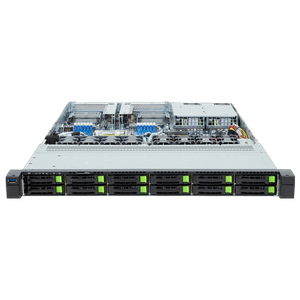
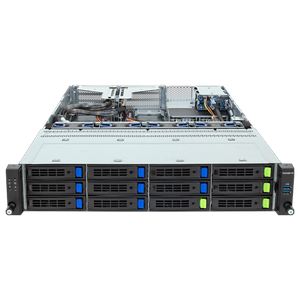
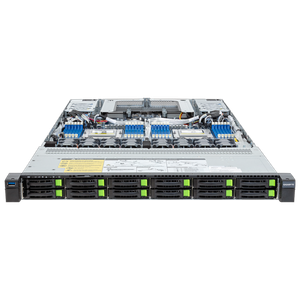
1 - 9 of 9 Products
NEED HELP MAKING
A CHOICE?
Schedule an appointment with one of our
B2B consultants - it’s quick, free, and with no obligation.
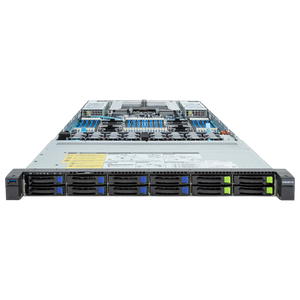
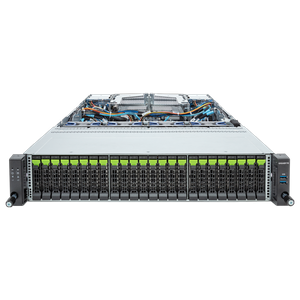
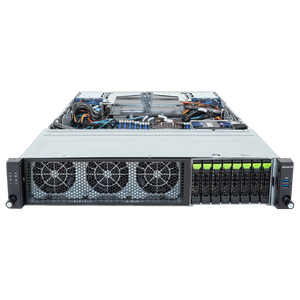
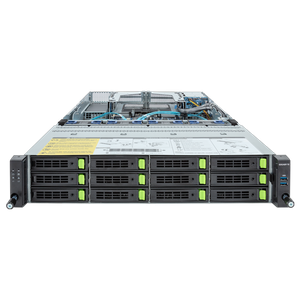
Configure a file server for central file storage
A file server centrally hosts your company’s files: The team accesses shared projects via SMB or NFS shares, access rights determine who can see what, and data is stored in one location rather than scattered across individual computers. We configure our file servers for reliable, continuous operation: ECC RAM automatically corrects bit errors, redundant power supplies and RAID arrays ensure availability, and capacity scales seamlessly with your growing data volume via hot-swap drive bays without any downtime.
What Matters in a File Server
Sizing is based on three questions: How many users access the server simultaneously (network connection, with 10-gigabit LAN upon request), how large is the data set today and in three years (drive bays and RAID levels), and how critical is the data (redundancy and backup strategy). For simple storage, cost-effective hard drives in a RAID array are sufficient; an SSD cache noticeably speeds up frequently used project data.
The appropriate RAID level depends on the balance between security, capacity, and budget: RAID 5 uses storage space efficiently and can withstand the failure of a single hard drive; RAID 6 can withstand two simultaneous failures and is suitable for particularly large arrays; and RAID 10 offers the highest write speed at half the usable capacity. For business-critical data, an external backup copy should also be included in the plan; RAID does not replace a backup but only protects against the failure of individual drives.
Network Connectivity and Data Security
To connect to the company network, the file server can be integrated into your existing Active Directory or LDAP environment, allowing access rights to be managed centrally via existing user groups rather than individually for each share. For remote work and field staff, VPN access is also standard, ensuring the team can securely access shares even while on the go. To enable access from different operating systems, our file servers simultaneously support both SMB for Windows environments and NFS for Linux clients, allowing mixed IT environments to access the same shares directly.
Regular snapshots help prevent accidental deletion or encryption trojans: They preserve earlier versions of a file, so that in an emergency, you can revert to a state prior to the incident instead of having to rely entirely on the backup.
If your storage needs go beyond simple file storage, our storage servers round out the lineup with larger storage solutions; the Servers by Application category provides an overview.
| Usage Profile | Users & Data Volume | RAID Level | Recommendation |
| Team File Server | Up to 25 users, up to 20 TB | RAID 5 | 1U, single-socket, Gigabit LAN |
| Department File Server | 25–100 users, 20–60 TB | RAID 6 | 2U, multiple drive bays, 10-Gigabit LAN |
| Enterprise file server | Over 100 users, over 60 TB | RAID 10 | 2U/4U, redundant power supplies, cluster option |
Configure Your Custom File Server
If you’re still deciding which server type is right for your needs, our server buying guide can help with specific recommendations tailored to your use case. Business customers and public institutions also benefit from dedicated account managers, quotes for bids, purchase on account, or leasing options. Have you lost track of the vast selection, or do you have specific requirements for your file server project? No problem—our sales team is here to help and will gladly advise you on any questions! You can reach us by phone, email, or via live chat in our store. You’re also welcome to contact our B2B team.
In the Server Configurator, you can configure your system according to your individual preferences.