Capture Cards

Discover our new Kick-Ass Systems
Streaming & Accessories
1 - 10 of 10 Products
Jabra - Speak2 55 MS
119
,90
9
,99
Delivery time:
1-3 business days
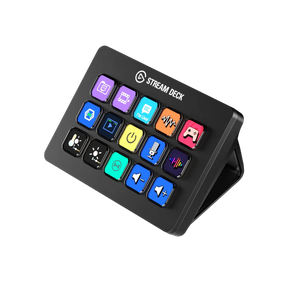
Elgato - Stream Deck MK.2
159
,90
13
,32
Delivery time:
1-3 business days
Shure - MV6
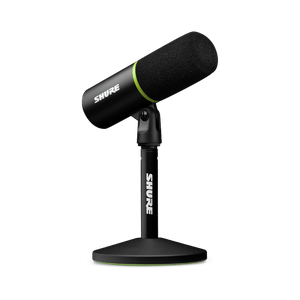
159
,90
13
,32
Delivery time:
1-3 business days
Elgato - Wave:3
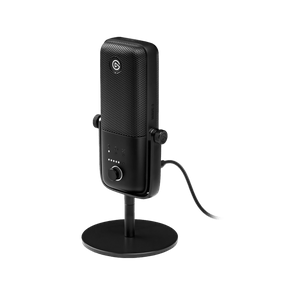
169
,90
9
,43
Delivery time:
1-3 business days
Shure - MV7X
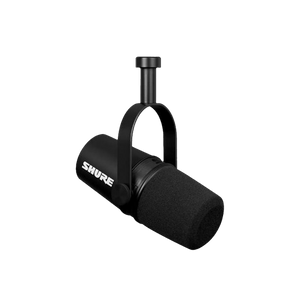
219
,90
9
,16
Delivery time:
1-3 business days
Elgato - Stream Deck XL
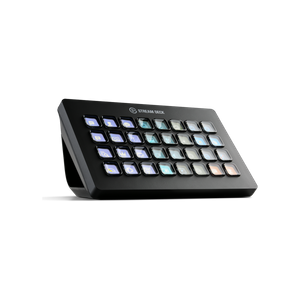
249
,90
10
,41
Delivery time:
1-3 business days
Elgato - Stream Deck+
249
,90
10
,41
Delivery time:
1-3 business days
Elgato - Game Capture 4K60 Pro
299
,-
9
,96
Delivery time:
1-3 business days
Shure - MV7+
339
,90
9
,44
Delivery time:
1-3 business days
Shure - SM7B
429
,90
9
,02
Delivery time:
1-3 business days
In the Streaming & Accessories section, you'll find everything you need to perfect your setup. From choosing the right capture card for you to lighting options that help your viewers see you better: you'll find what you're looking for in this category!
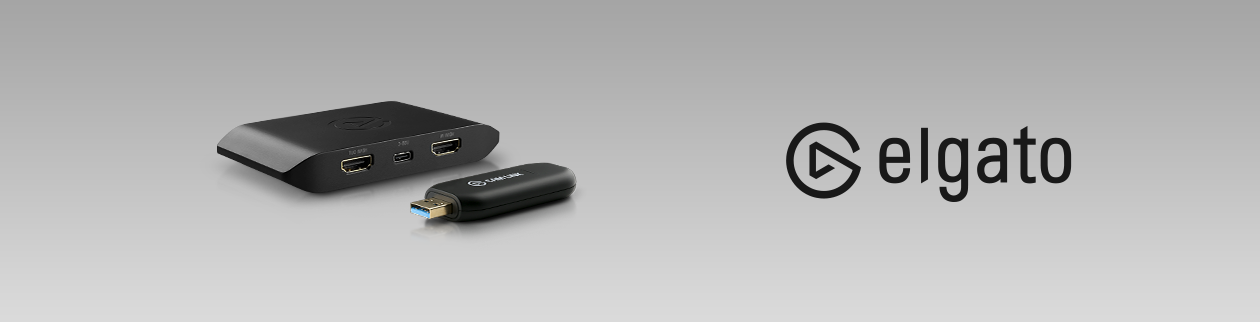
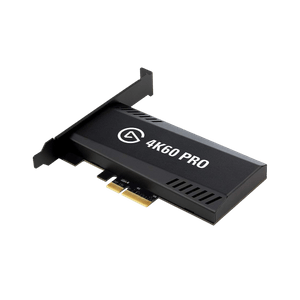
You’ll need to buy a capture card if you want to use a dual-PC setup consisting of a streaming PC and a gaming PC, or if you want to stream your console games. With the help of a capture card, video and audio can be transmitted from one PC to another. You can then play on the gaming PC while the streaming PC handles uploading your gameplay to Twitch and other platforms. The same principle applies to consoles, where the console takes on the role of the gaming PC.
There are internal capture cards that are built directly into a PC, and there are external capture cards that connect to a computer. The capture card essentially acts as the link between the gaming PC and the streaming PC, or between your console and the PC. The devices are then connected via HDMI. Depending on the capture card you choose, you can record your gameplay in up to 4K resolution at up to 60fps.
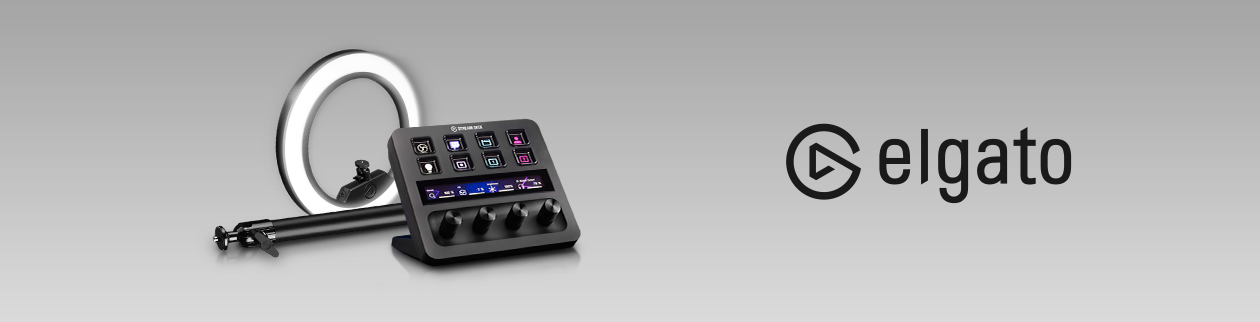
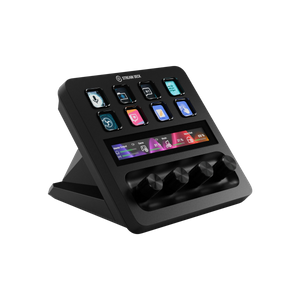
By purchasing a Stream Deck from Elgato, you can unleash your full creativity. Stream Decks feature up to 32 LCD buttons, allowing you to perform any number of actions with just a single press. Whether switching scenes, adjusting audio settings, launching different media, or displaying on-screen text—it’s all incredibly easy with just a tap of a finger. Thanks to the Stream Deck’s compact design, you can easily place it right next to your keyboard and mouse.
Simply plug the Stream Deck into your PC via USB, and you’re ready to go. You can save as many actions as you like and assign them to the keys of your choice using Elgato’s software. If you’d also like to create your own icons for the actions, the Key Creator software will help you do just that. Once you’ve finished configuring everything, you can get started and use the Stream Deck to customize everything to your liking.
In addition to capture cards and Stream Decks, there are many other ways to enhance the quality of your stream. With the Elgato Key Lights, studio lighting is just a button press away: To impress your viewers with a high-quality stream, you need the right lighting. With Elgato’s various lights and accompanying accessories, you have plenty of options for positioning the lighting optimally. Plus, the Key Lights can also be controlled via the Stream Deck, so you’re always in control and can easily adjust your lighting settings.