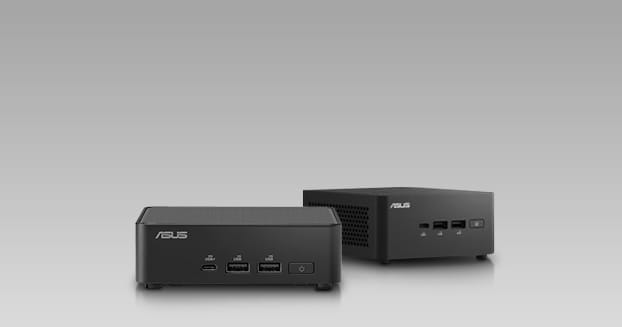
Local LLM AI Workstations

Discover our new Kick-Ass Systems
2.399
55.349


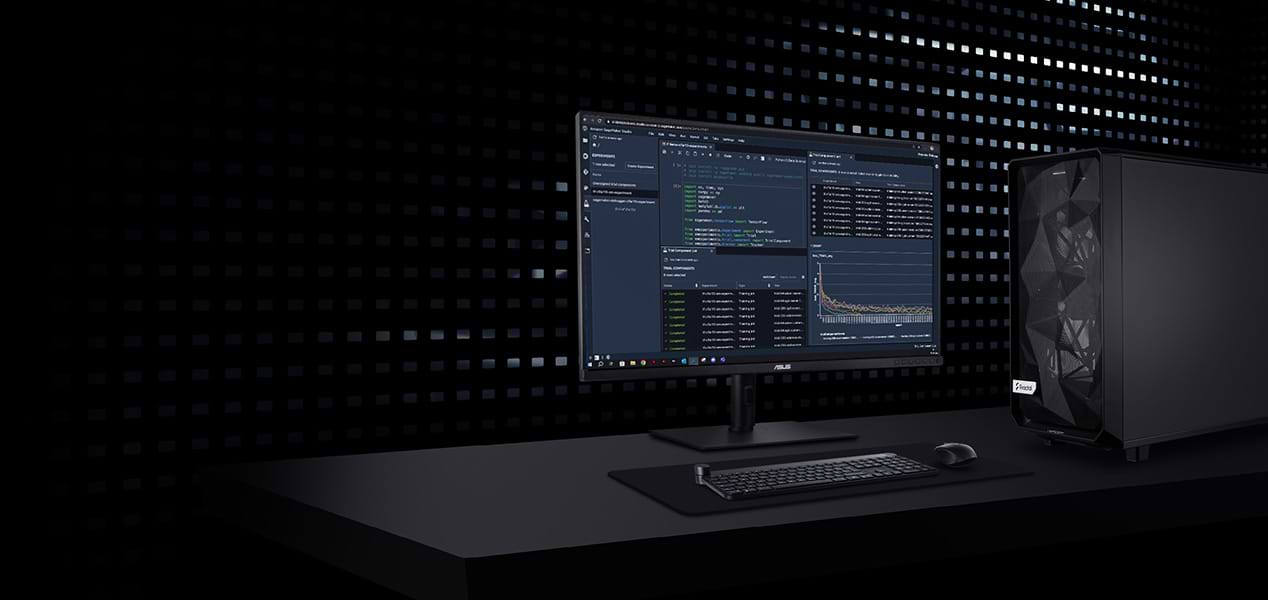
ACCELERATE
AI DEVELOPMENT
AI learning workstations with state-of-the-art hardware and
AI accelerators for fast deep learning.
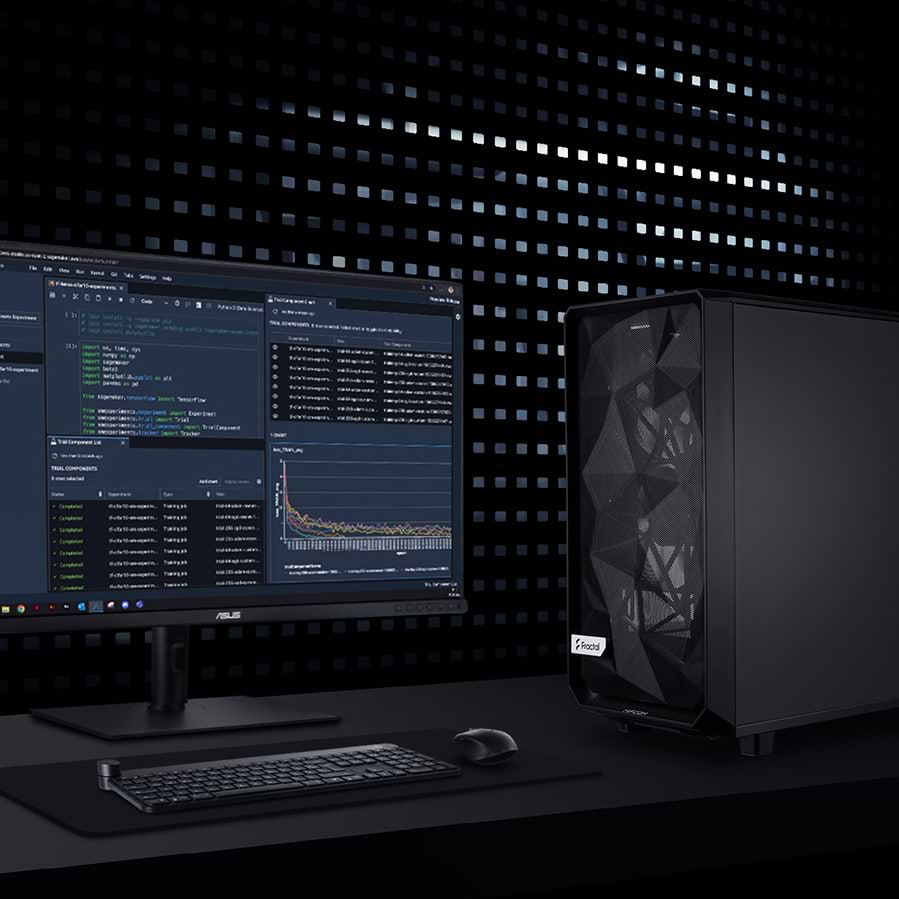
ACCELERATE
AI DEVELOPMENT
AI learning workstations with state-of-the-art hardware and AI accelerators for fast deep learning.

High computing power for AI
Optimized for deep learning
Expandable & customizable
High computing power for AI
Optimized for deep learning
Expandable & customizable
1 - 24 of 32 Products
WORKSTATIONS FOR
EVERY WORKFLOW
MIFCOM workstations are the
perfect choice for demanding projects.
Local systems are increasingly replacing the cloud for AI workloads. This ensures maximum data protection, eliminates ongoing API costs, and guarantees extremely low latency. We build our AI workstations specifically to meet these requirements and categorize them into four distinct application areas. You can flexibly customize each model to meet your individual requirements. You can choose from high-performance platforms from AMD and Intel as a foundation. The five configurations differ primarily in the graphics card used and the maximum possible RAM capacity.
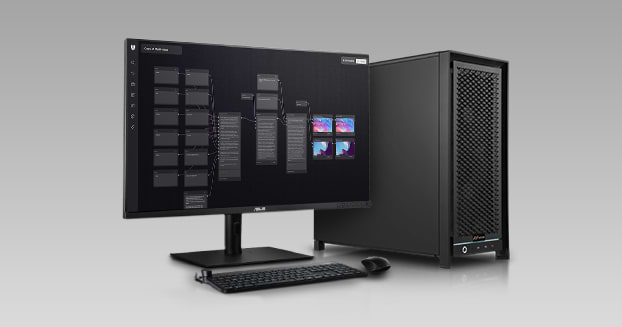
If you want to run large language models like Llama or Mistral directly on your hardware, the Local LLM AI Workstations are your starting point. The graphics memory determines which model sizes run smoothly: if the model fits entirely into the VRAM, the output speed remains high. With up to 96 GB of graphics memory per card, you can run even large models locally, in compliance with data protection regulations and without ongoing API costs, since your data never leaves your local network.
When working with Stable Diffusion, Flux, or ComfyUI, rapid iteration is crucial for precise results. Each AI image generation workstation is therefore configured at our Munich location specifically to deliver maximum graphics performance for this iterative process. This allows you to quickly evaluate different prompts, checkpoints, and parameters one after another. The system enables a seamless workflow where you can review your adjustments in real time, rather than waiting a long time for image output.
Creating high-resolution AI videos with models like Wan 2.2 or Hunyuan Video places even more extreme demands on the hardware. With an AI video generation workstation, the focus isn’t just on the graphics card’s maximum VRAM, but also on a significantly more powerful CPU and more RAM to process the enormous amounts of data from thousands of frames without bottlenecks. These systems are designed for sustained full-load operation, ensuring that even long rendering and upscaling processes run without thermal throttling.
The AI Development Workstations offer you an optimal balance of computing power and storage capacity for the professional development and fine-tuning of AI models. You can refine existing models extremely efficiently using methods such as LoRA and QLoRA without directly drawing on the massive resources of an AI Training Workstation. As a result, these computers bridge the gap between pure inference and the complete training of your own models from scratch.
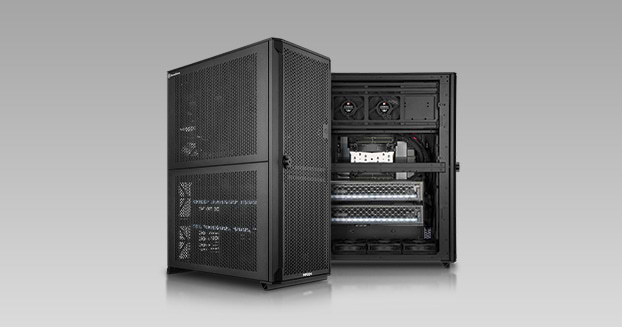
Our AI training workstations, with full support for multiple graphics cards, represent the pinnacle of performance. In the most powerful configuration, multiple NVIDIA RTX PRO 6000 cards—each with 96 gigabytes of graphics memory—work together. This allows you to train your own neural networks from scratch and master demanding fine-tuning tasks that would overwhelm a system with just a single graphics card. The coupled accelerators efficiently share both the enormous computational load and the available memory.
A clear classification serves as a simple guide. Local LLM systems are suitable for running large language models locally. Choose image and video workstations for generative image processing and video work. The development models are perfect for development and targeted fine-tuning. Finally, training workstations handle the computationally intensive training of entirely custom models. In the workstation configurator, you can then customize your system to meet your individual needs. If you’re still unsure which of the four categories best suits your project, our AI PC buying guide offers specific recommendations. Alternatively, start with the general overview of our workstations and find your system directly based on the application and your specific use case.